1
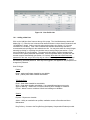
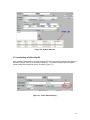
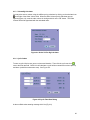
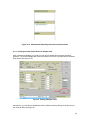
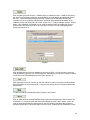
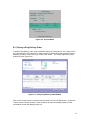
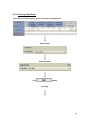
Figure 4-10. Edit Ingredient Dialog
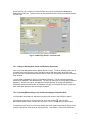
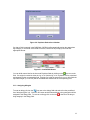
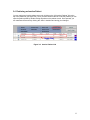
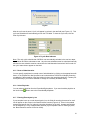
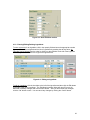
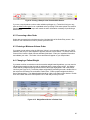
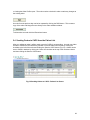
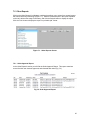
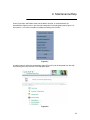
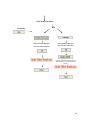
To add an ingredient, click the New button at the right of the list of ingredients. Select an
ingredient in the Item dropdown and enter the appropriate Quantity, UOM, and Per option and
click OK to save (see figure 4-11 ). Click ‘Cancel’ to cancel the entry.
Figure 4-11. Adding a New Ingredient.
4.1.9 Instructions/Comments
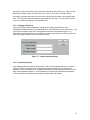
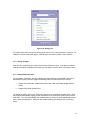
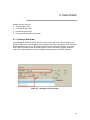
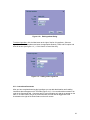
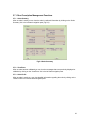
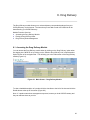
After you have completed entering the ingredients you can add administration and handling
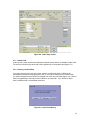
instructions that will appear on the TPN label (Figure 4-12). You can also add comments to an
order in the Comments field. Comments are for user information only and do not appear on the
label. If an order has an entry in the comments field, the order will be flagged with a red
checkmark to the right of the Order Status on the main screen.
23