1
10.3 Writing Maple Packages By Using Modules • 391
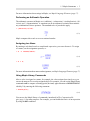
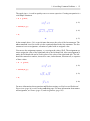
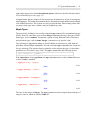
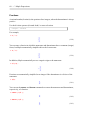
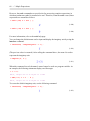
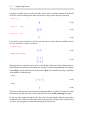
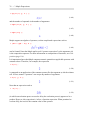
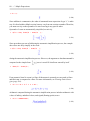
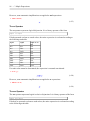
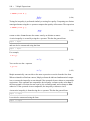
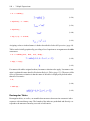
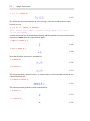
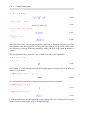
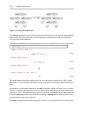
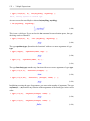
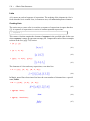
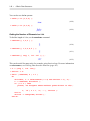
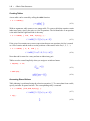
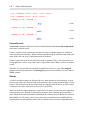
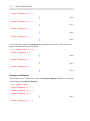
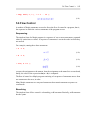
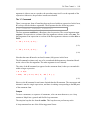
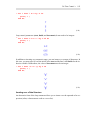
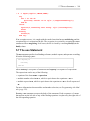
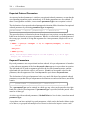
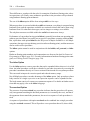
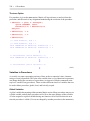
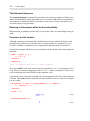
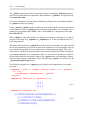
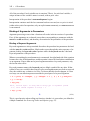
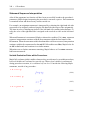
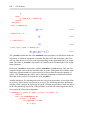
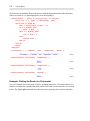
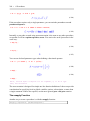
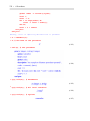
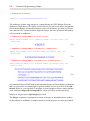
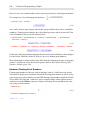
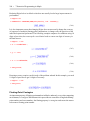
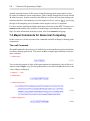
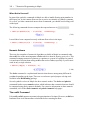
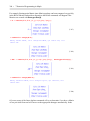
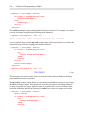
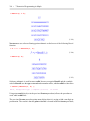
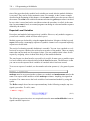
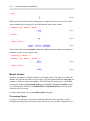
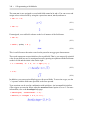
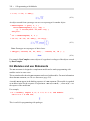
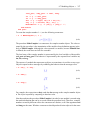
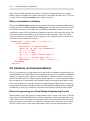
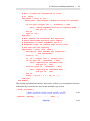
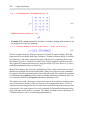
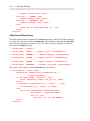
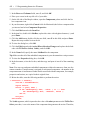
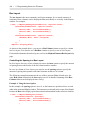
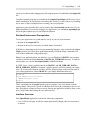
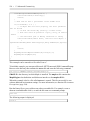
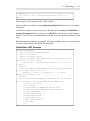
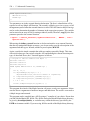
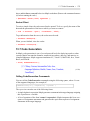
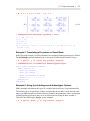
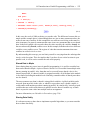
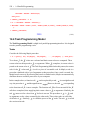
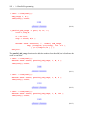
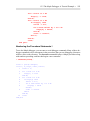
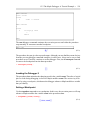
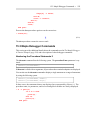
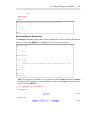
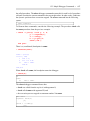
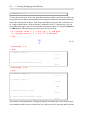
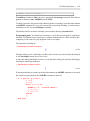
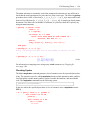
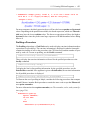
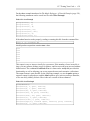
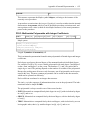
> with(SomeOtherTools);
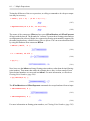
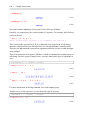
Warning, SomeOtherTools is not a correctly formed package - option
`package' is missing
(10.9)
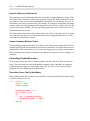
Packages generally include many lines of Maple code, so you will probably want to create
and modify them in a specialized editor designed for programming such as vim or emacs.
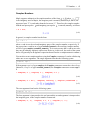
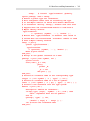
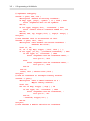
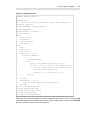
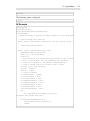
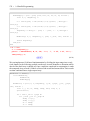
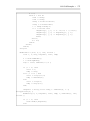
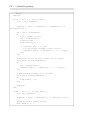
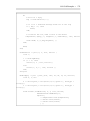
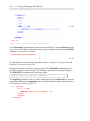
In the example above, the definition of the module SomeTools have been put in a file called
SomeTools.mpl in the samples/ProgrammingGuide/ directory of your Maple installation).
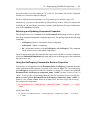
If you copy this file into the current directory, it can then be loaded in Maple by using the
read command.
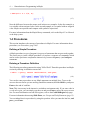
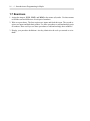
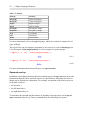
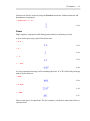
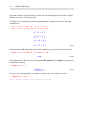
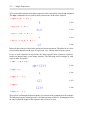
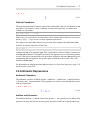
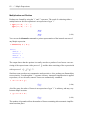
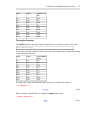
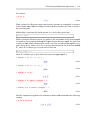
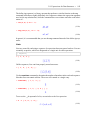
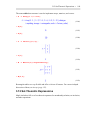
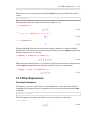
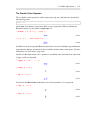
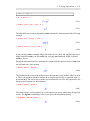
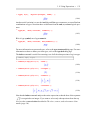
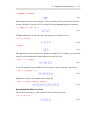
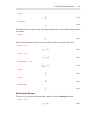
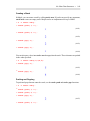
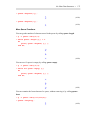
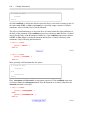
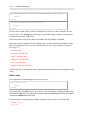
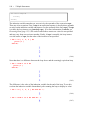
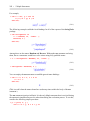
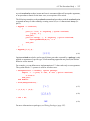
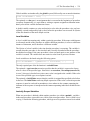
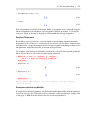
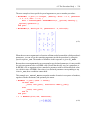
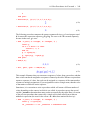
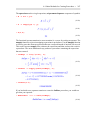
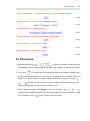
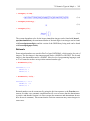
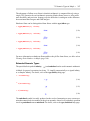
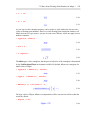
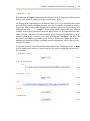
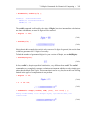
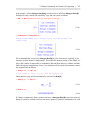
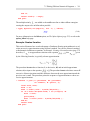
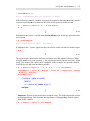
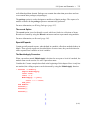
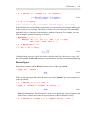
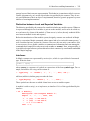
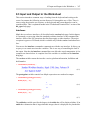
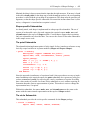
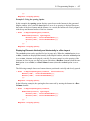
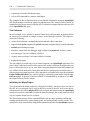
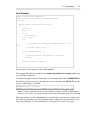
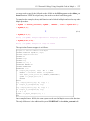
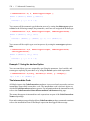
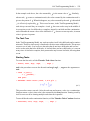
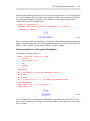
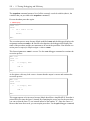
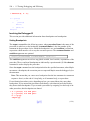
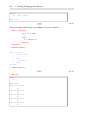
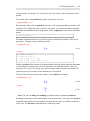
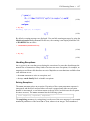
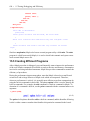
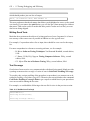
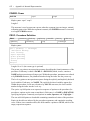
> read("SomeTools.mpl");
This allows you to access the SomeTools package commands in a Maple worksheet or
document. You can include a read statement as the first executed command or in the startup
code of a Maple worksheet or document.
Custom Libraries
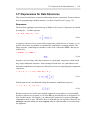
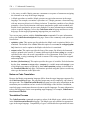
If you prefer not to call the read command to load your custom package, you can save your
package as a Maple library archive (.mla) file. This allows your package to be available
whenever Maple is started; however, it is loaded into memory only if it is required. In contrast, the read method automatically loads the package into memory.
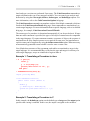
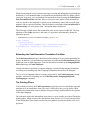
Before a package can be saved to a library archive, it must be loaded into Maple, either
directly in a worksheet or by using the read command. Then, the simplest method for saving
it to a library archive is to call the savelib command.
Before calling the savelib command, you may want to set up a directory to store your custom
library. For example, you can create a directory called maple in your home directory and
use the LibraryTools commands to create an empty .mla file in which to store your library.
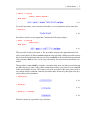
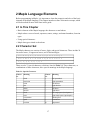
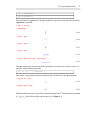
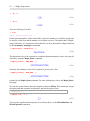
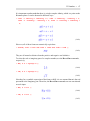
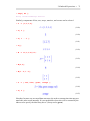
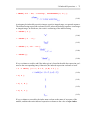
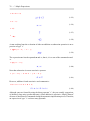
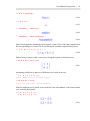
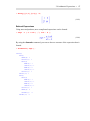
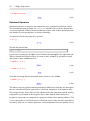
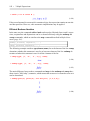
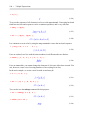
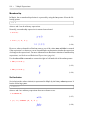
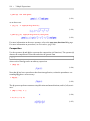
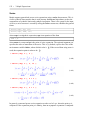
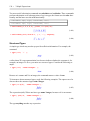
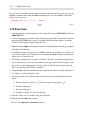
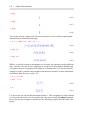
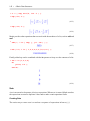
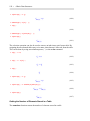
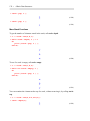
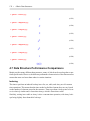
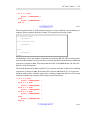
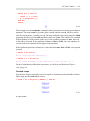
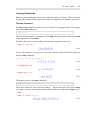
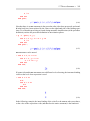
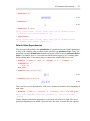
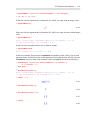
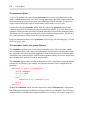
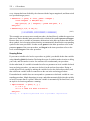
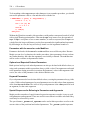
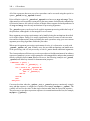
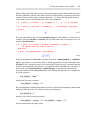
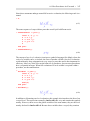
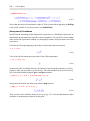
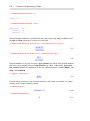
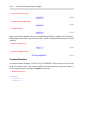
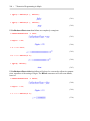
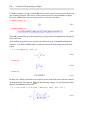
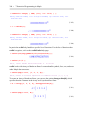
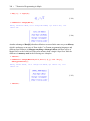
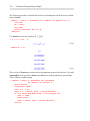
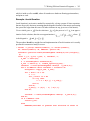
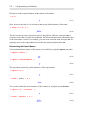
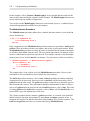
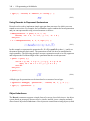
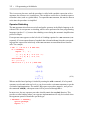
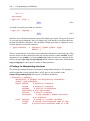
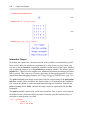
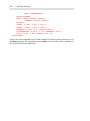
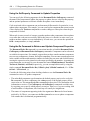
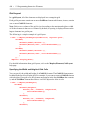
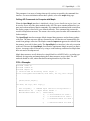
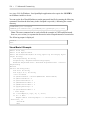
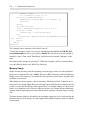
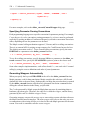
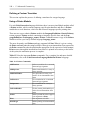
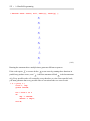
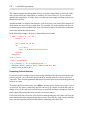
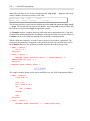
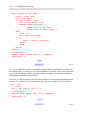
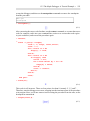
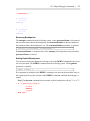
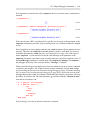
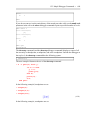
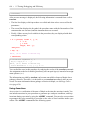
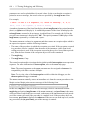
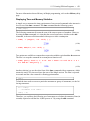
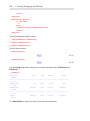
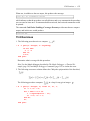
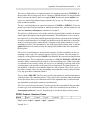
> mylibdir := cat(kernelopts(homedir), kernelopts(dirsep), "maple",
kernelopts(dirsep), "toolbox", kernelopts(dirsep), "personal",
kernelopts(dirsep), "lib");
(10.10)
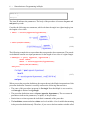
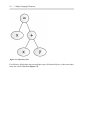
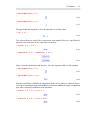
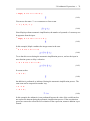
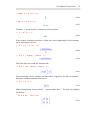
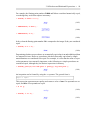
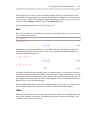
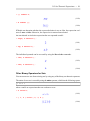
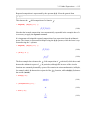
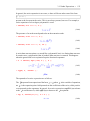
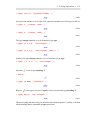
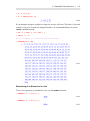
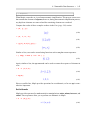
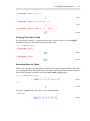
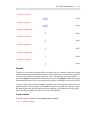
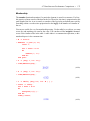
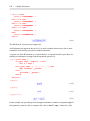
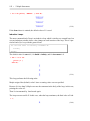
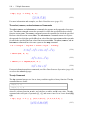
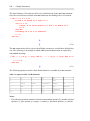
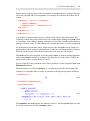
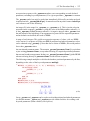
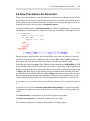
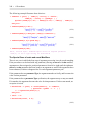
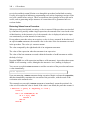
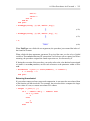
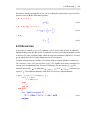
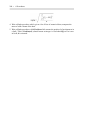
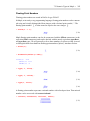
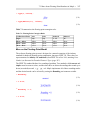
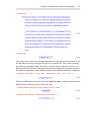
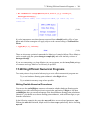
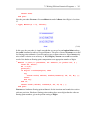
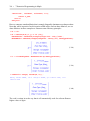
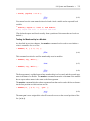
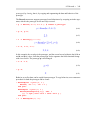
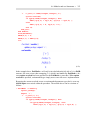
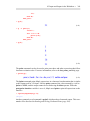
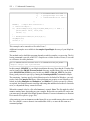
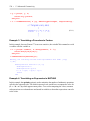
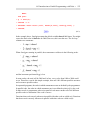
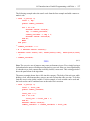
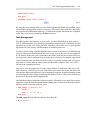
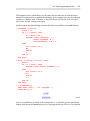
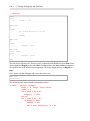
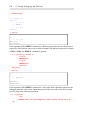
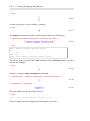
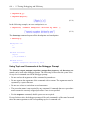
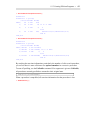
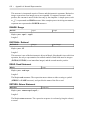
> FileTools:-MakeDirectory(mylibdir, 'recurse');
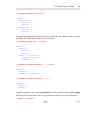
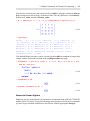
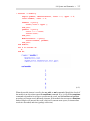
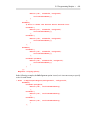
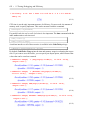
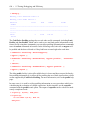
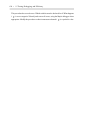
> LibraryTools:-Create(cat(mylibdir, kernelopts(dirsep),
"packages.mla"));