1
5.6 Flow Control • 187
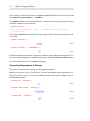
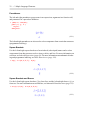
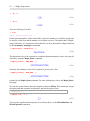
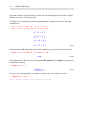
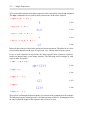
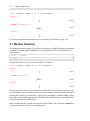
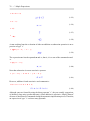
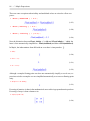
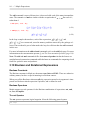
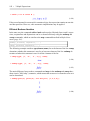
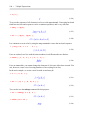
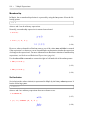
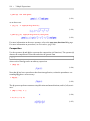
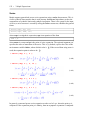
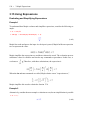
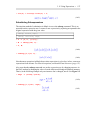
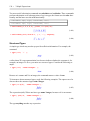
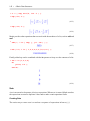
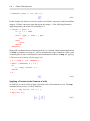
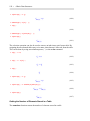
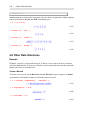
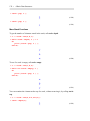
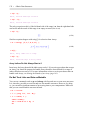
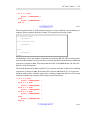
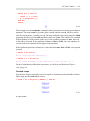
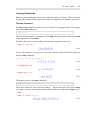
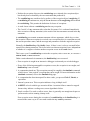
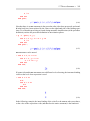
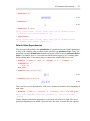
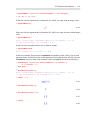
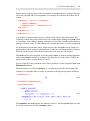
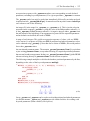
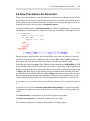
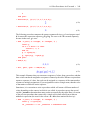
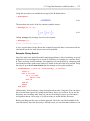
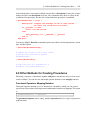
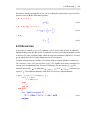
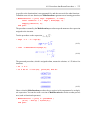
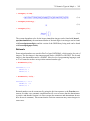
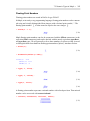
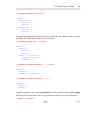
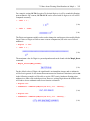
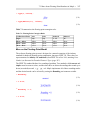
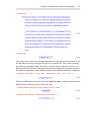
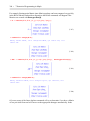
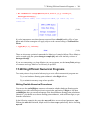
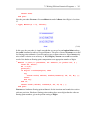
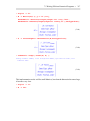
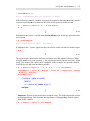
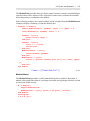
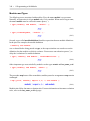
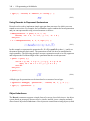
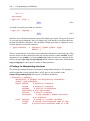
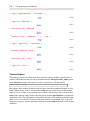
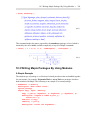
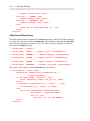
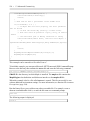
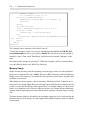
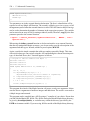
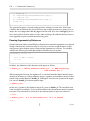
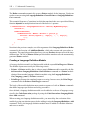
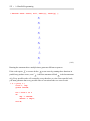
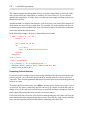
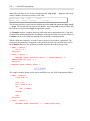
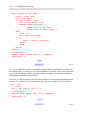
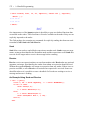
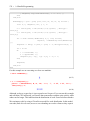
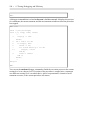
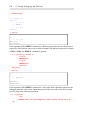
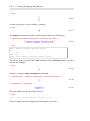
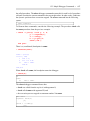
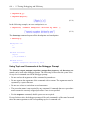
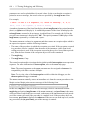
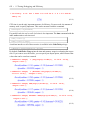
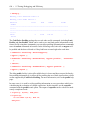
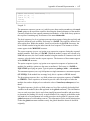
> if 2 > 3 then
print( "CONSEQUENT" )
else
print( "ALTERNATIVE" )
end if;
(5.27)
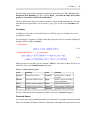
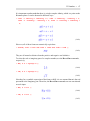
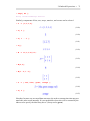
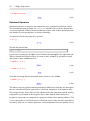
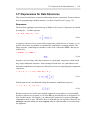
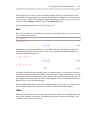
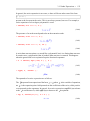
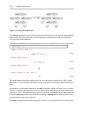
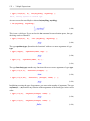
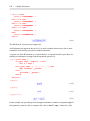
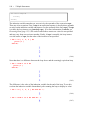
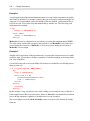
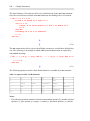
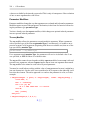
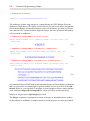
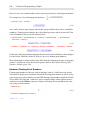
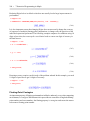
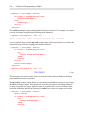
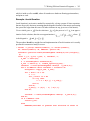
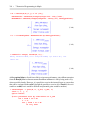
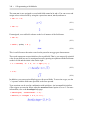
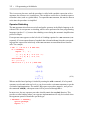
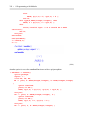
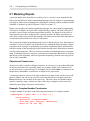
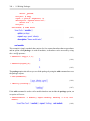
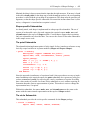
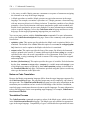
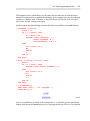
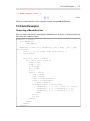
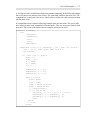
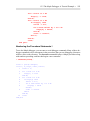
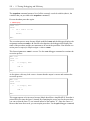
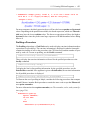
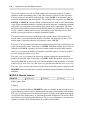
The most general form of an if statement can have several conditions, corresponding consequents, and an optional alternative branch. This general form has the syntax:
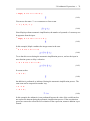
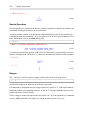
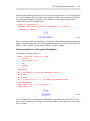
if condition1 then
consequent1
elif condition2 then
consequent2
....
else
alternative
end if
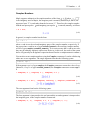
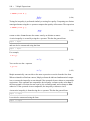
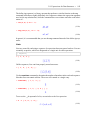
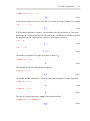
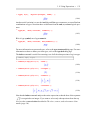
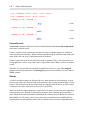
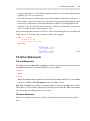
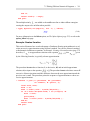
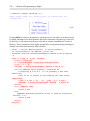
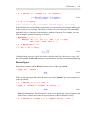
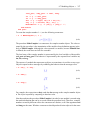
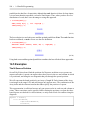
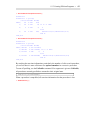
in which there can be any number of branches preceded by elif. The effect of this general
form of the if statement is to divert the flow of control into the first branch whose conditional
expression evaluates to true. This means that the order of the elif branches can affect the
behavior of the if statement.
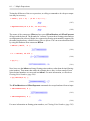
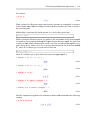
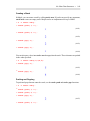
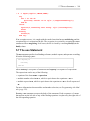
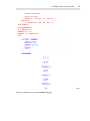
The branch introduced by else is optional. If it is present, and none of the earlier condition
expressions evaluates to true, then control flows into the else branch. If it is not present,
and none of the earlier condition expressions evaluates to true, then the flow of execution
continues with the first statement following the entire if statement.
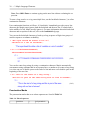
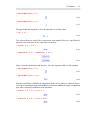
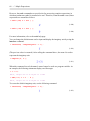
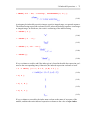
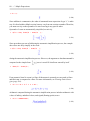
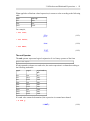
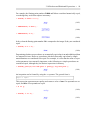
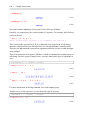
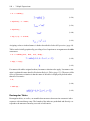
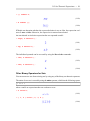
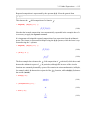
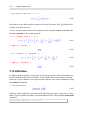
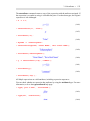
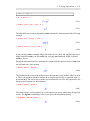
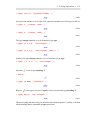
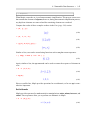
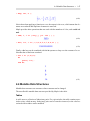
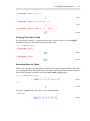
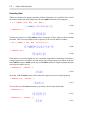
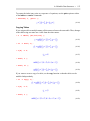
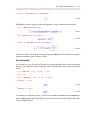
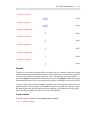
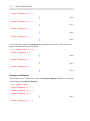
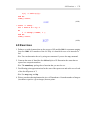
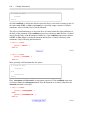
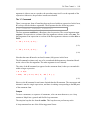
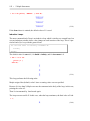
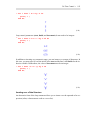
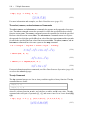
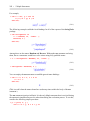
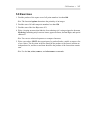
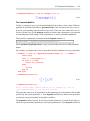
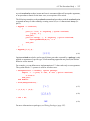
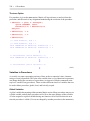
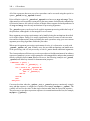
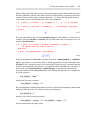
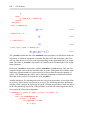
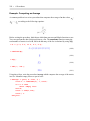
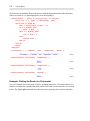
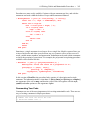
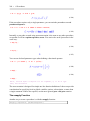
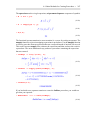
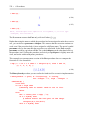
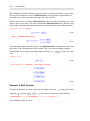
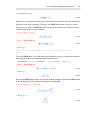
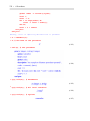
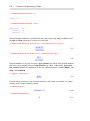
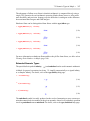
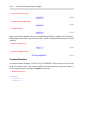
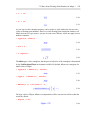
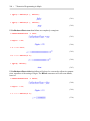
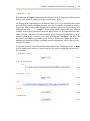
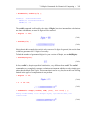
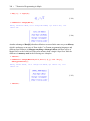
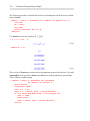
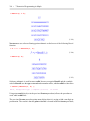
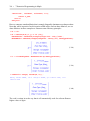
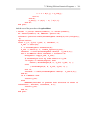
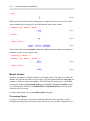
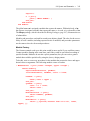
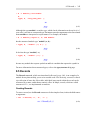
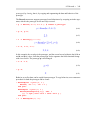
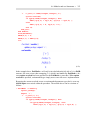
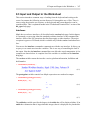
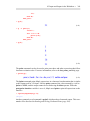
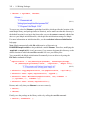
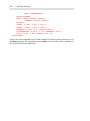
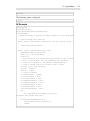
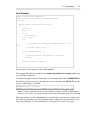
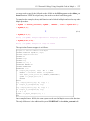
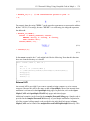
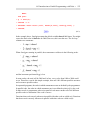
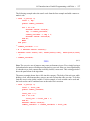
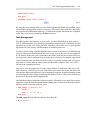
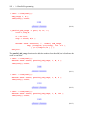
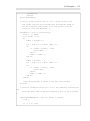
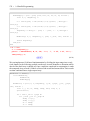
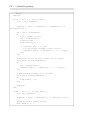
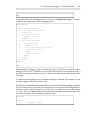
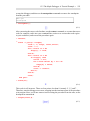
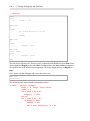
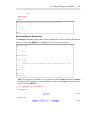
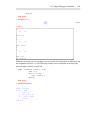
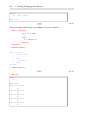
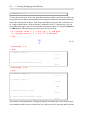
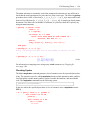
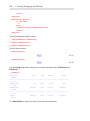
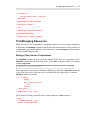
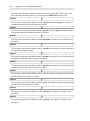
> if 2 > 3 then
print( "CONSEQUENT1"
elif 3 > 4 then
print( "CONSEQUENT2"
elif 1 < 5 then
print( "CONSEQUENT3"
elif 2 < 5 then
print( "CONSEQUENT4"
else
print( "ALTERNATIVE"
end if;
)
)
)
)
)
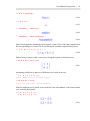
(5.28)