1
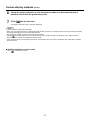
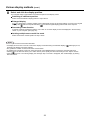
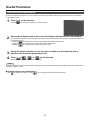
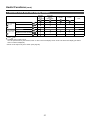
Various display methods (cont.)
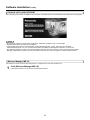
4-screen index style
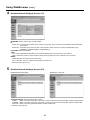
When the display is set to “4-screen index style”, connect up to four computers to one unit, and then simultaneously display the
screens for the four computers on the index windows and also on a large screen.
1
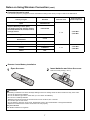
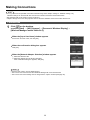
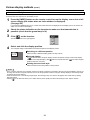
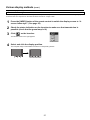
Press the [INDEX] button of the remote control to switch the display screen to “4screen index style”. (See page 25)
2
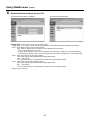
Check the status indication on the launcher to make sure that transmission is
possible (check that the green lamp is lit).
3
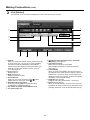
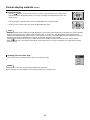
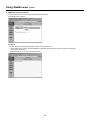
Click [
] on the launcher.
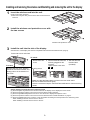
The window shown to the right appears.
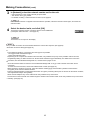
4
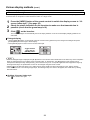
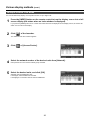
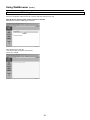
Select and click the display position.
The computer image is transmitted to the area of corresponding window.
27