1
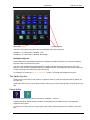
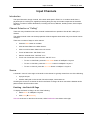
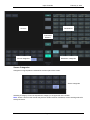
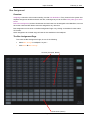
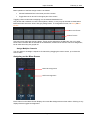
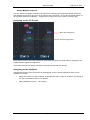
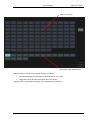
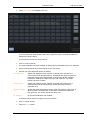
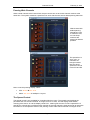
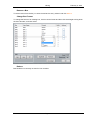
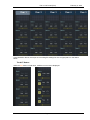
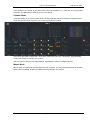
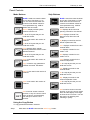
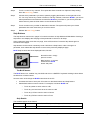
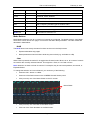
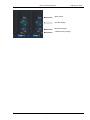
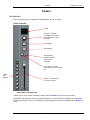
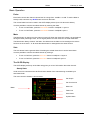
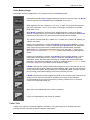
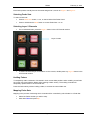
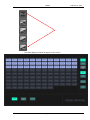
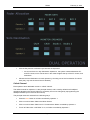
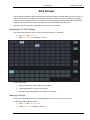
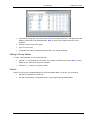
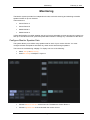
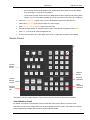
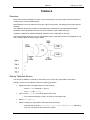
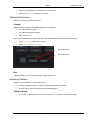
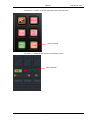
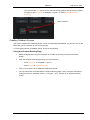
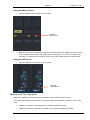
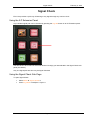
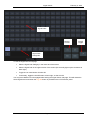
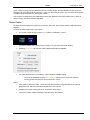
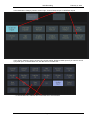
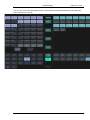
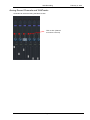
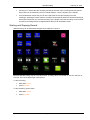
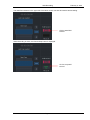
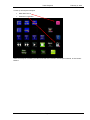
Signal Check February 2, 2015 Signal Paths Monitor Circuits On/Off Toggle Signal Path Categories To use the Signal Check sub-page: Select a Signal Path Category in the lower left of the screen Select a Signal Path in the upper section of the screen (this normally lights up the On button at lower right) Toggle one or more Monitor Circuits ON If necessary, toggle the On/Off button at lower right, so that it is ON You may leave Monitor Circuits engaged after leaving the Signal Check sub-page. This will determine where signals are heard when the Sig Chk button is pressed on the ILP Extension panel. Page 72