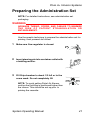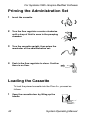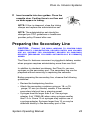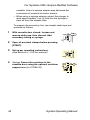
1
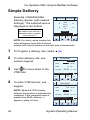
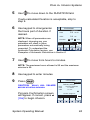
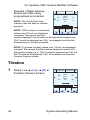
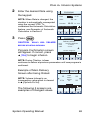
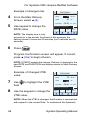
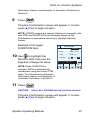
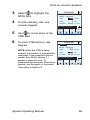
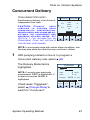
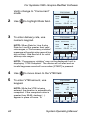
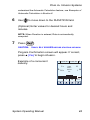
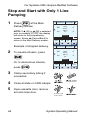
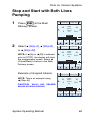
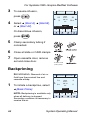
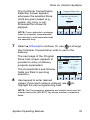
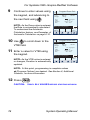
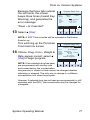
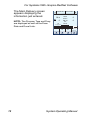
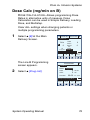
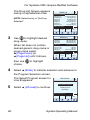
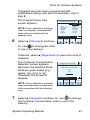
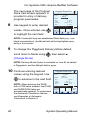
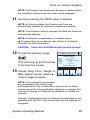
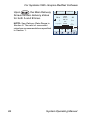
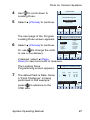
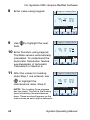
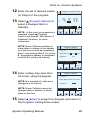
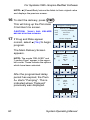
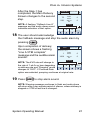
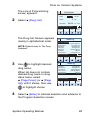
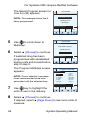
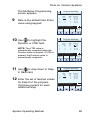
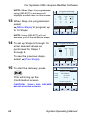
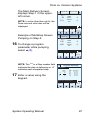
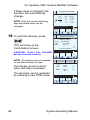
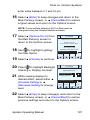
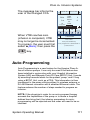
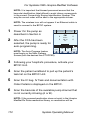
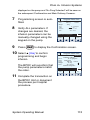
For Systems With Hospira MedNet Software Example of changed rate. A PROGRAM MedSurg 4 From the Main Delivery Screen, select [A]. Rate 15 mL/hr VTBI 50 mL Duration 5 Use keypad to change the RATE value. 03:20 hr : min Enter Value using keypad Program Options Drug List Cancel/ Back NOTE: The display time is only accurate to ± one minute. As shown in this example, the delivery shows 3 hours and 20 minutes (not 3 minutes and 20 seconds). 6 Press . Program Confirmation screen will appear. If correct, press [Yes] to begin infusion. NOTE: [START] accepts the change. Delivery is changed to the new RATE and DURATION and display returns to Main Delivery Screen. Example of Changed VTBI value. 7 Use field. A PROGRAM MedSurg to highlight the VTBI Rate 15 VTBI 100 Duration 06:40 mL/hr mL hr : min Enter Value using keypad 8 Use the keypad to change the VTBI value. Program Options Drug List Cancel/ Back NOTE: When the VTBI is changed, the Duration is recomputed with respect to the current Rate. To understand the Automatic 56 System Operating Manual