1
May 2007
Saving Site Data
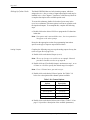
The XMT868i holds setup parameters for a single internal site, called
Working. Through PanaView, users can store site file data in a PC and
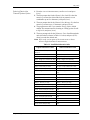
reload it into the XMT868i. To save or reload site data using
PanaView:
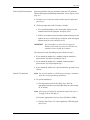
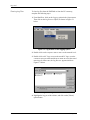
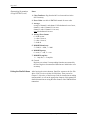
1. In the New Meter Browser, highlight the XMT868i.
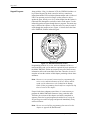
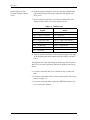
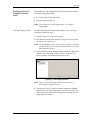
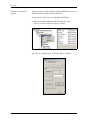
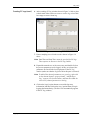
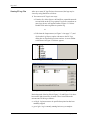
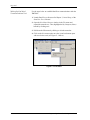
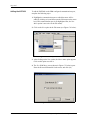
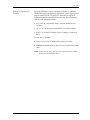
2. Right-click on the highlighted XMT868i and select the Properties
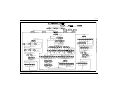
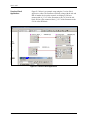
option, as shown in Figure C-15 below.
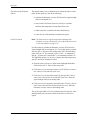
Figure C-15: Properties Option
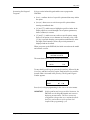
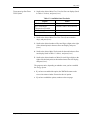
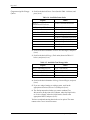
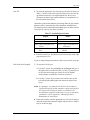
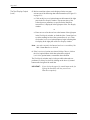
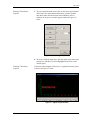
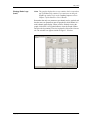
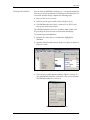
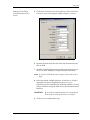
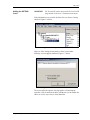
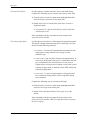
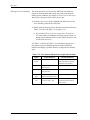
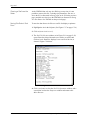
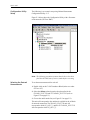
The window now appears similar to Figure C-16 below.
Figure C-16: Properties Window
Programming the XMT868i Using PanaView™
C-55