1
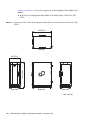
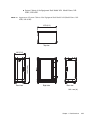
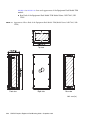
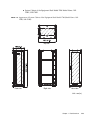
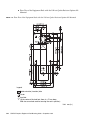
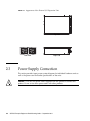
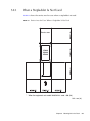
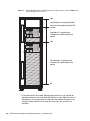
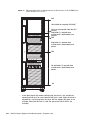
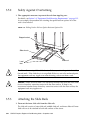
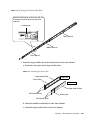
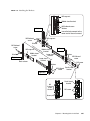
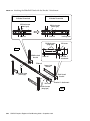
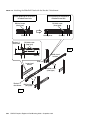
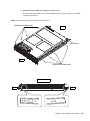
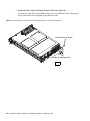
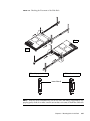
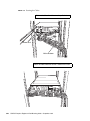
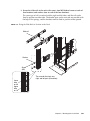
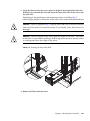
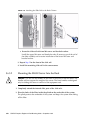
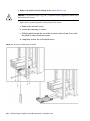
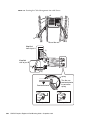
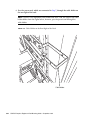
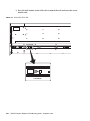
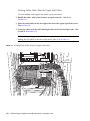
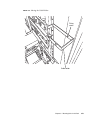
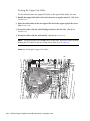
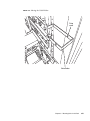
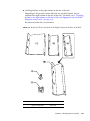
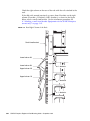
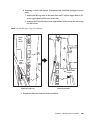
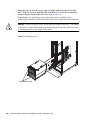
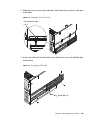
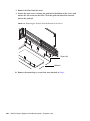
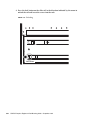
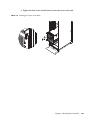
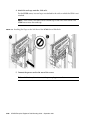
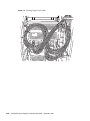
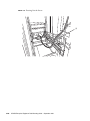
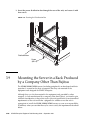
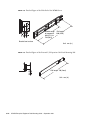
8. Remove the plinth from the bottom of the server (FIGURE 3-48).
Caution – The plinth weighs 2 kg (5 lb.). To prevent injury, support the plinth upon
release from the screws.
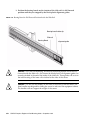
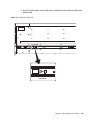
Eight screws secure the plinth to the bottom of the server.
a. Remove the two front screws.
b. Loosen the remaining six screws.
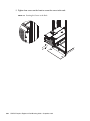
c. Slide the plinth toward the rear of the server less than 2.5 mm (1 in.) until
the plinth is released from the screws.
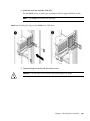
d. Completely remove the six loosened screws.
FIGURE 3-48
3-58
Example of Removing the Plinth
SPARC Enterprise Equipment Rack Mounting Guide • September 2011