1
8 Special features
8.3 Exposure counter
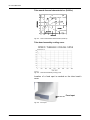
The total number of exposures is counted automatically by
the system and can be read any time from the control
power.
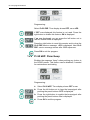
Turn the OP200 D power on, and wait until the normal
display appears. Make sure that one of the programs P1 to
P10 is selected.
Press OK.
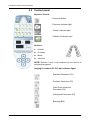
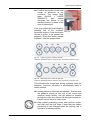
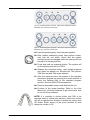
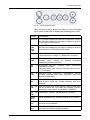
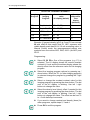
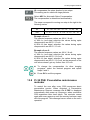
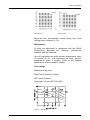
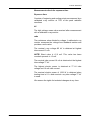
Several numbers will be displayed on the Control panel for
a few seconds while other indicators will be turned off.
The total number of exposures is read from top to bottom.
The maximum value is 99 999 exposures.
Nothing needs to be done to resume normal operation.
8.4 Preventive maintenance reminder
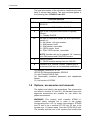
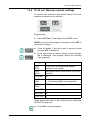
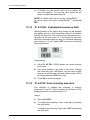
The exposure counter also provides means of reminding
when maintenance is due. After every 2000 exposures a
special reminder message, "Ch 8 PSE", is displayed when
the power is switched on.
This message indicates that the user should contact the
dealer for the scheduled maintenance. We recommend
that this unit will be provided regular service for best
performance and reliable operation. Refer to chapter
Maintenance of this manual for details.
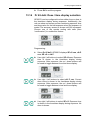
The message display does not affect the equipment
operation. It will be reset during the maintenance service
procedure, or it can be reset by the user.
5139796-100 rev 4
Instrumentarium Dental
87