1
1.2
Verify hardware installation
Commissioning can only proceed once the integrity of the wiring has been verified. Ensure the
installation observes the following:
•
Minimum distance between devices is observed with suitable position for proper ventilation.
•
The requisite safety devices (e.g. fuses, automatic safety devices, etc.) are connected in order
to prevent excessive voltage.
•
Devices are connected to the bus.
•
KNX polarity is correct for each device.
•
Loads are connected within applicable lamp load limits.
•
Power supplies are connected.
•
You can locate the program button on each device and red program LED illuminates.
1.3
Commissioning approach
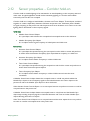
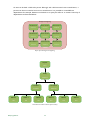
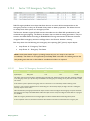
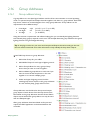
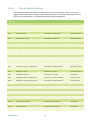
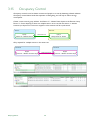
After hardware installation has been verified, the next step is to commission the system by assigning
individual addresses, group addresses and configuring the input and output parameters.
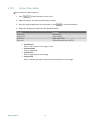
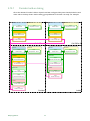
1. Select Device in ETS
2. Enter Individual address, Name, Description and Status in Properties Settings
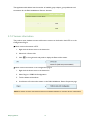
3. Select Edit > Download All. ETS prompts to press the programming button.
4. Press programming button on the device (red program LED lights).
5. The Individual address is downloaded from ETS into the device
(red LED goes out, when it is completed successfully).
6. Enter applicable group addresses and object properties.
7. Select Edit > Download Partial for each device.
8. Switch on mains voltage to the lighting load.
9. Test the operation of each device with the aid of the ETS software.
10. Check that all the system functions are operating correctly.
Philips LightMaster
6