1
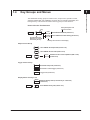
1.4 Key Groups and Menus
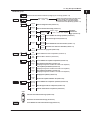
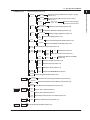
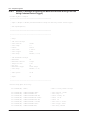
COMMON group
1
Continued from the previous page
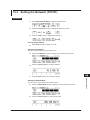
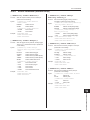
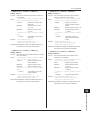
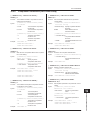
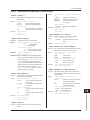
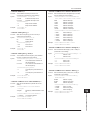
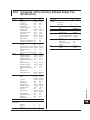
StartBNC
Input
Output
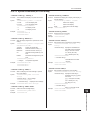
Selects the sweep start BNC terminal (input or output)
(section 10.1)
TrigBNC
Input
Output
Selects the trigger BNC terminal (input or output)
(section 10.1)
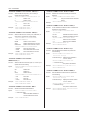
LineFrequency
50Hz 60Hz Auto
Detected
**Hz
Display
***
1
Brightness
2
3
,
Separate
,
Beep
On Off
4
Selects the line frequency (section 3.6)
4
5
Selects the display brightness (section 11.4)
Turns OFF the display (section 11.4)
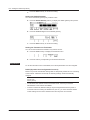
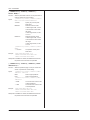
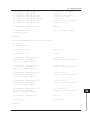
DecPoint
.
3
Displays the detected line frequency (section 3.6)
Off
Exec
CSV
Setting
2
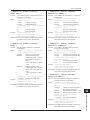
Auxiliary Out
Selects the auxiliary trigger
MeasBusy Timer1 Timer2 Through signal source (section 10.5)
Aux Out
***
LineFreq
***
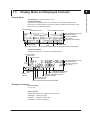
Names and Functions of Parts
External
I/O
;
6
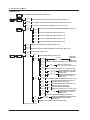
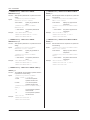
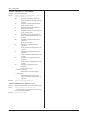
Selects the decimal point for CSV files (section 11.5)
7
Selects the separator for CSV files (section 11.5)
Turns ON/OFF the beep sound (section 11.6)
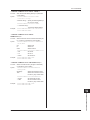
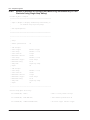
Clock
Adjust
Time
Adjust
Edit
Zero
Adjust
Time
Zone
Display
Test
Disk
Format
Set
9
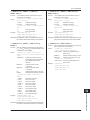
Resets the seconds to zero (section 3.7)
Edit
Set
Sets the time difference from GMT
(section 3.7)
10
Executes a display test (section 17.3)
Key
Executes a key test (section 17.3)
SelfTest
Executes a self-test (section 17.3)
Exec
8
Sets the time (section 3.7)
11
12
Formats the GS820ROM disk (section 4.6)
Firmware
Updates the system firmware (section 17.5)
Update
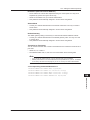
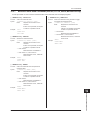
SYNC
TIMER
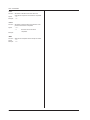
Channel
Sync
Async
Operation
Master
SHIFT
+
SYNC
TIMER
ERROR
Slave
13
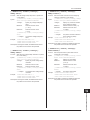
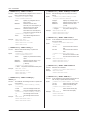
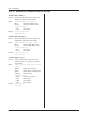
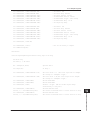
Selects the inter-channel synchronization mode (section 4.3)
14
Selects synchronization function between units (section 10.4)
Expand
On Off
Turns ON/OFF the channel expansion (section 10.6)
Timer1
***
Sets the Timer 1 period (section 4.4)
Timer2
***
Sets the Timer 2 period (section 4.4)
Timer
Sync
Synchronizes phases of Timer 1 and Timer 2 (section 4.4)
Clear
Shows or clears the error log (section 11.7)
15
16
17
18
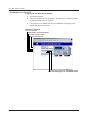
INFO
SHIFT
+
ERROR
Shows the product information (section 17.4)
Index
INFO
IM 765601-01E
1-9