1
2.9.3
(1)
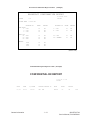
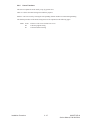
Technical Functions Example
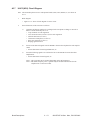
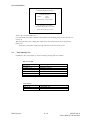
Service Bit Setting
1)
Purpose
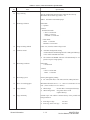
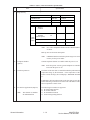
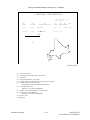
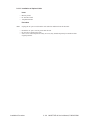
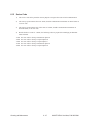
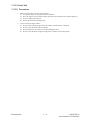
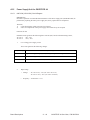
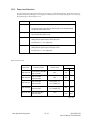
To enable or disable the following functions:
• Drum and toner counter display (clear)
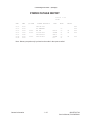
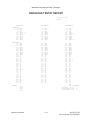
• Service default report printing
• Protocol dump report printing
• Ring response time setting
• Dial parameters setting
• Printer counters clearing
2)
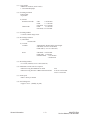
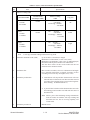
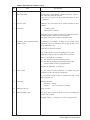
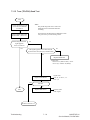
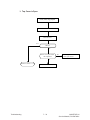
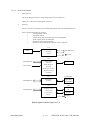
Procedure
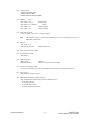
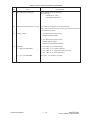
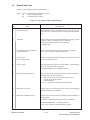
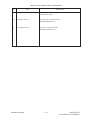
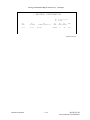
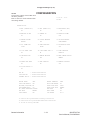
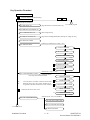
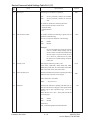
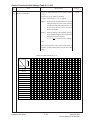
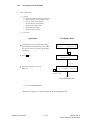
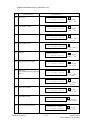
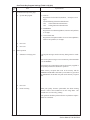
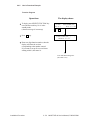
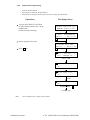
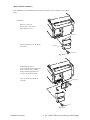
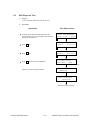
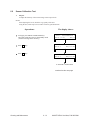
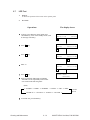
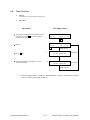
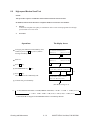
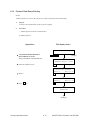
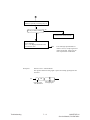
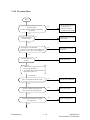
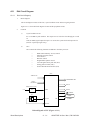
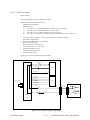
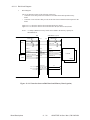
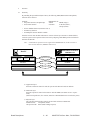
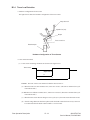
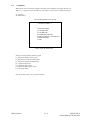
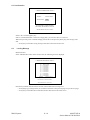
Operations:
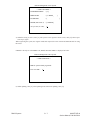
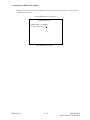
The display shows:
To bring the LCD up to the desired message
press SELECT FUNCTION key once, COPY
key twice and "2"key. (In case of no message
in memory)
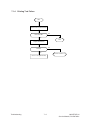
2:TECHNICAL FUNCTION
YES(←)
NO(→/1-4)
←
Press
←
key.
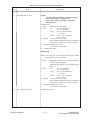
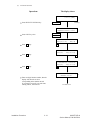
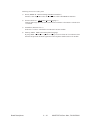
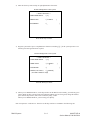
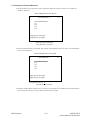
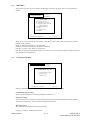
FUNCTION NO. [
ENTER 01-30
]
*1
"01"
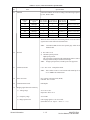
Service bit setting is T.F. No. 01.
Enter "01"
→
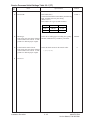
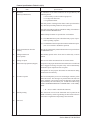
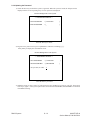
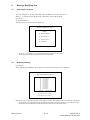
01:SERVICE BIT ?
[ X ] YES(←) NO(→)
Setting (Toggle)
← ON
X: OFF →
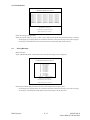
To 02: MONITOR CONT.
*1: 01-30 for OKIOFFICE44
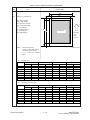
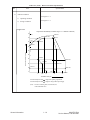
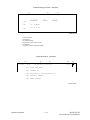
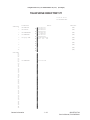
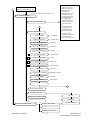
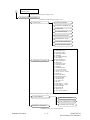
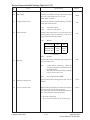
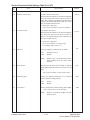
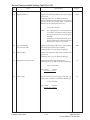
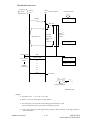
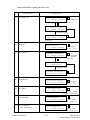
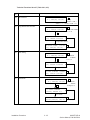
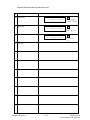
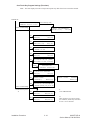
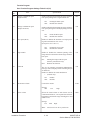
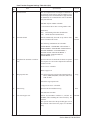
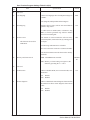
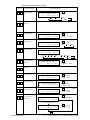
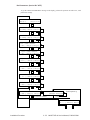
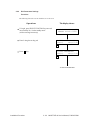
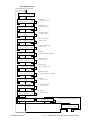
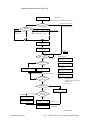
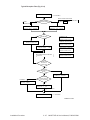
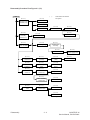
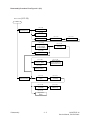
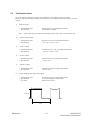
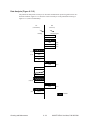
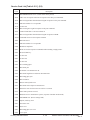
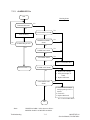
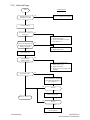
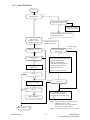
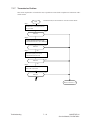
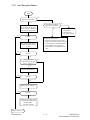
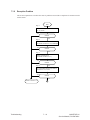
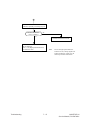
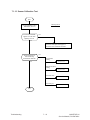
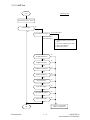
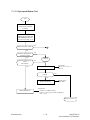
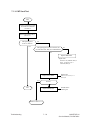
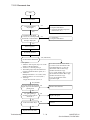
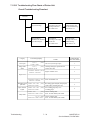
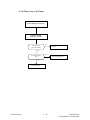
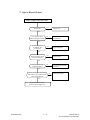
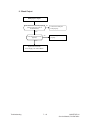
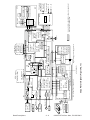
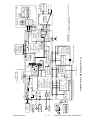
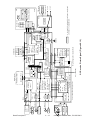
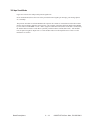
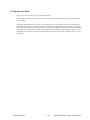
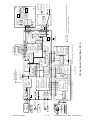
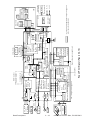
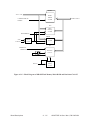
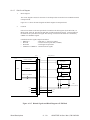
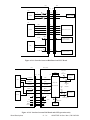
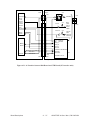
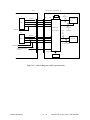
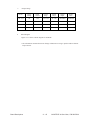
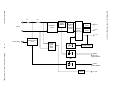
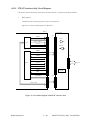
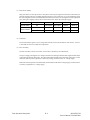
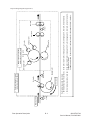
Reference: See Figure 2.9.1 on the next page for the general operation flow.
Installation Procedure
2 - 30
OKIOFFICE 44
Service Manual, P/N 59276801