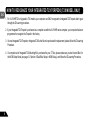
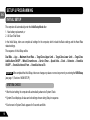
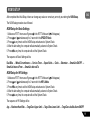
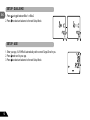
1
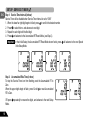
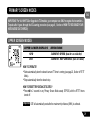
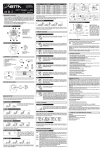
SETUP: SMARTLITE INTERVAL – FROM
1. Press
2. Press
2
1
to scroll from 1:00 PM to 11:00 PM
to select and advance to the next Setup Mode.
ENG
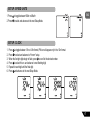
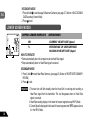
SETUP: SMARTLITE INTERVAL – TO
1. Press
2. Press
2
1
to scroll from 1:00 AM to 11:00 AM
to select and exit the Setup Mode and advance to System Check
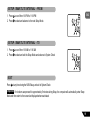
EXIT
Press
3
at any time during the NOM Setup, and exit to System Check
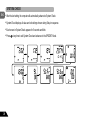
Important If no buttons are pressed for approximately 5 minutes during Setup, the computer will automatically enter Sleep
Mode and then return to the screen last displayed when reactivated.
19