1
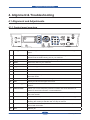
Alignment & Troubleshooting
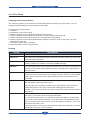
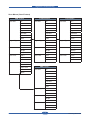
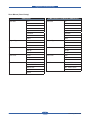
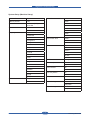
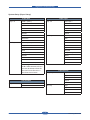
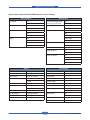
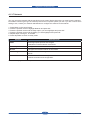
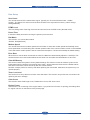
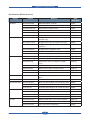
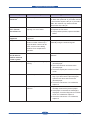
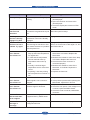
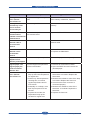
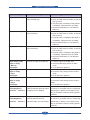
4.1.3 Menu Overview
This chapter explains the menu item. If you want to know more information about the menu item, refer to the
User Guide.
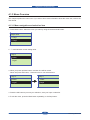
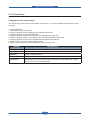
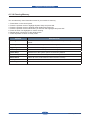
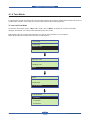
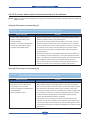
4.1.3.1 Menu navigation and selection item
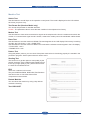
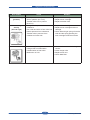
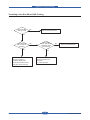
1. Press Menu button. Select the menu you want by using the arrow and OK button.
Paper Size
+Tray1
>Tray1
Paper Size
+Tray2
>Tray2
+Tray1
>Tray1
>Tray2
+Tray2
2. “√”
mark
Tray
2 indicates current setting value.
√Letter
Letter
Tray
2
Legal
√Letter
Letter
Legal
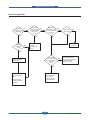
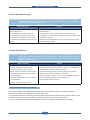
3. When you press up/down botton, inversion line will be moved.
When user press OK button, √mark will move to new selected item.
Tray 2:
Tray 2:
√Letter
Letter
Tray
2:
Legal
√Letter
Letter
Letter
Letter
Tray
2:
√Legal
Legal
Letter
Letter
Legal
√Legal
Legal
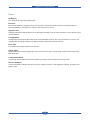
4. Press the OK button to process your selection, save your input or selection.
5. To exit the menu, press the Back button repeatedly, or the Stop button.
Service Manual
4-3
Samsung Electronics