1
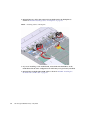
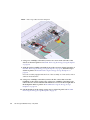
3. Remove the power supply.
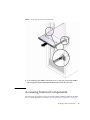
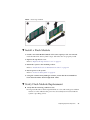
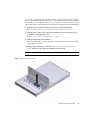
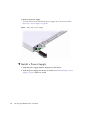
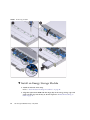
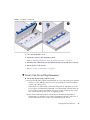
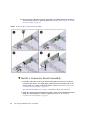
Press the release latch and slide the power supply out as shown in FIGURE:
Removing a Power Supply on page 40.
FIGURE:
Removing a Power Supply
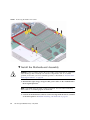
▼ Install a Power Supply
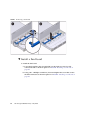
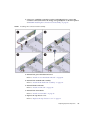
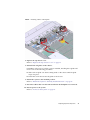
1. Align the power supply with the empty bay in the chassis.
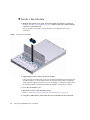
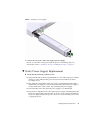
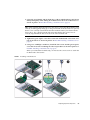
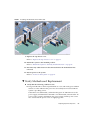
2. Slide the power supply into the bay as shown in FIGURE: Installing a Power
Supply on page 41 until it is seated.
40
Sun Storage F5100 Flash Array • May 2010