1
DAB / T-DMB
DAB/T-DMB User Interface
Trigger/Marker/Clock Settings
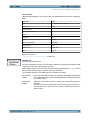
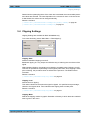
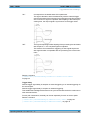
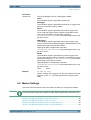
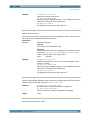
"Vector | i + q |" The limit is related to the amplitude | i + q |. The I and Q components
are mapped together, the angle is retained.
"Scalar | i | + | q The limit is related to the absolute maximum of all the I and Q values |
i|+|q|.
|"
The I and Q components are mapped separately, the angle changes.
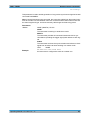
Remote command:
[:SOURce<hw>]:BB:DAB:CLIPping:MODE on page 41
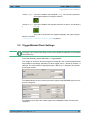
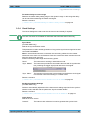
3.5 Trigger/Marker/Clock Settings
The trigger, clock, and marker delay functions are available for R&S SMx and R&S AMU
instruments only.
To access this dialog, select "Main Menu > Trigger/Marker".
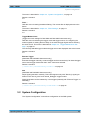
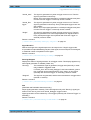
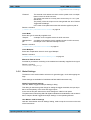
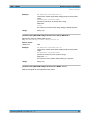
The "Trigger In" section is where the trigger for the signal is set. Various parameters will
be provided for the settings, depending on which trigger source - internal or external - is
selected. The current status of signal generation ("Running" or "Stopped") is indicated
for all trigger modes.
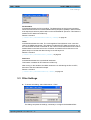
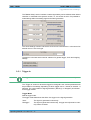
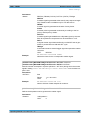
The "Marker Mode" section is where the marker signals at the MARKER output connectors are configured.
The "Marker" tab is where the marker signals at the MARKER output connectors are
configured.
Operating Manual 1171.5531.12 ─ 11
20