1
Issue 6
Electra Elite
5.3.2
Installation
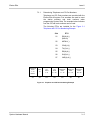
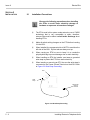
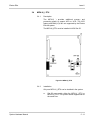
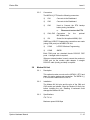
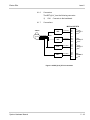
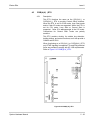
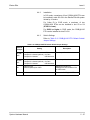
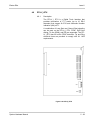
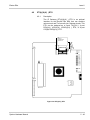
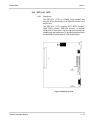
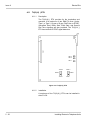
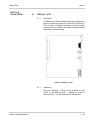
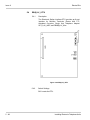
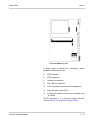
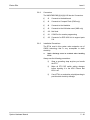
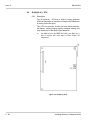
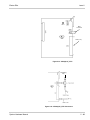
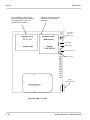
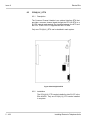
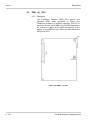
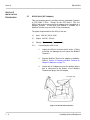
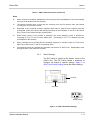
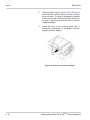
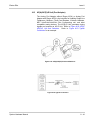
Only one DPH(4)-U( ) ETU can be installed in the system
in slots S3~S6.
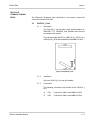
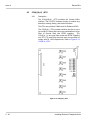
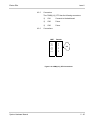
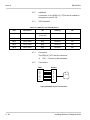
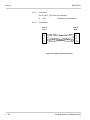
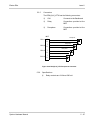
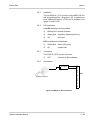
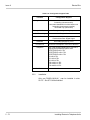
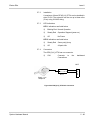
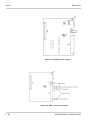
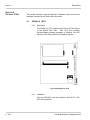
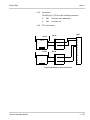
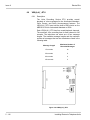
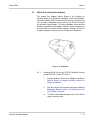
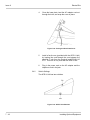
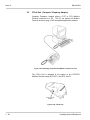
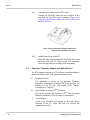
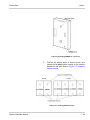
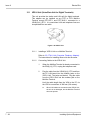
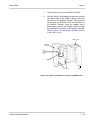
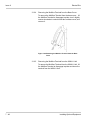
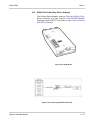
The DP-D-1A Doorphone that is connected to the ETU
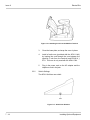
has the following dimensions:
5.3.3
Height:
5.125 in.
130.18 mm
Width:
3.875 in.
98.43 mm
Depth:
1.00 in.
25.4 mm
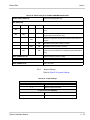
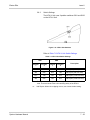
Switch Settings
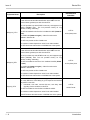
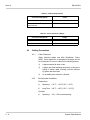
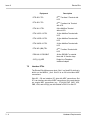
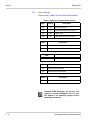
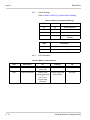
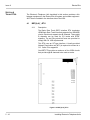
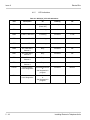
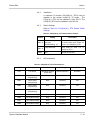
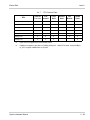
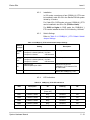
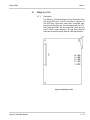
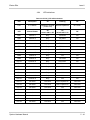
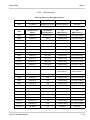
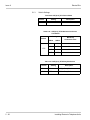
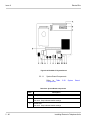
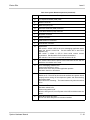
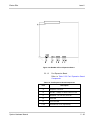
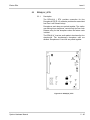
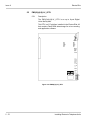
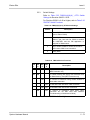
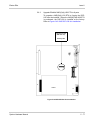
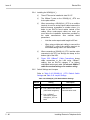
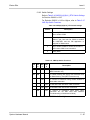
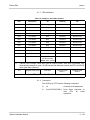
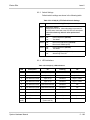
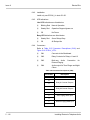
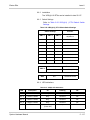
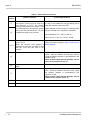
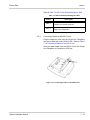
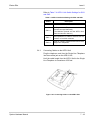
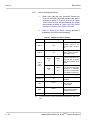
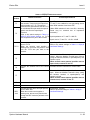
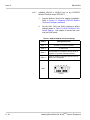
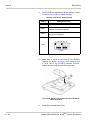
Refer to Table 5-33 DPH(4)-U( ) ETU Default Jumper
Settings.
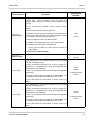
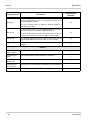
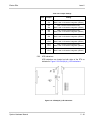
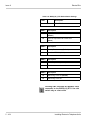
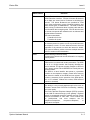
Table 5-33 DPH(4)-U( ) ETU Default Jumper Settings
5.3.4
Jumper
Setting
Description
S101
Shorted
Remove short bar to increase DP1
and DP3 volume by 6 dB.
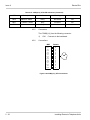
S201
Shorted
Remove short bar to increase DP2
and DP4 volume by 6 dB.
S102
Shorted
Remove short bar to increase DP1
and DP3 transmit volume by 6 dB.
S202
Shorted
Remove short bar to increase DP2
and DP4 transmit volume by 6 dB.
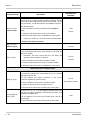
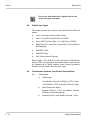
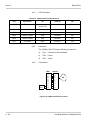
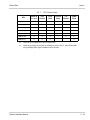
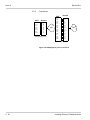
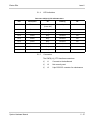
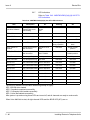
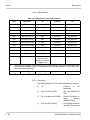
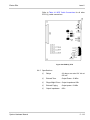
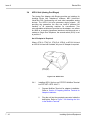
LED Indications
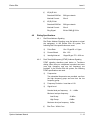
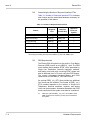
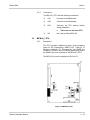
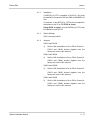
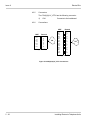
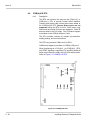
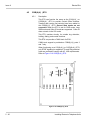
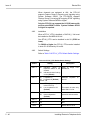
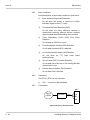
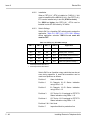
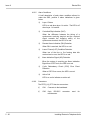
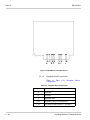
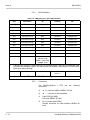
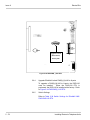
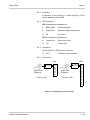
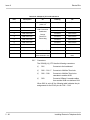
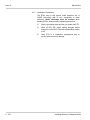
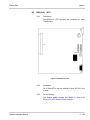
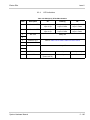
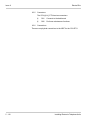
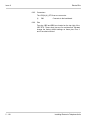
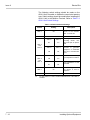
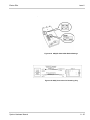
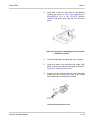
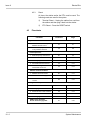
Live LED indications are listed below.
Blinking Red Normal Operation
Steady Red
Operation Stopped (power on)
Off
No Power
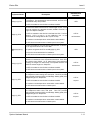
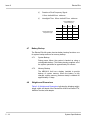
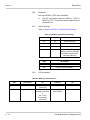
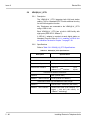
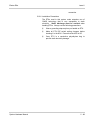
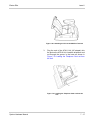
LED 1 indication are listed below.
5 - 66
Steady Red
A Circuit Is Busy
Off
All Circuits Are Idle
Installing Electronic Telephone Units