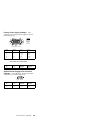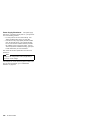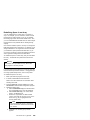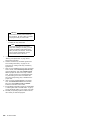
1
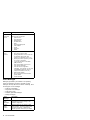
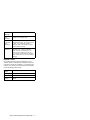
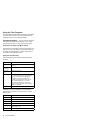
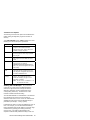
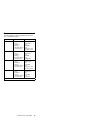
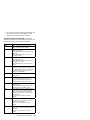
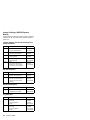
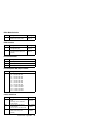
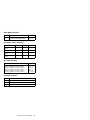
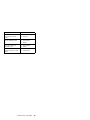
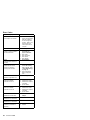
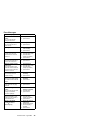
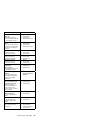
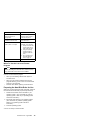
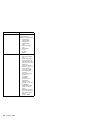
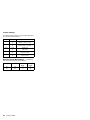
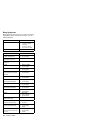
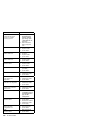
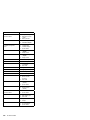
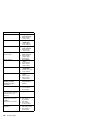
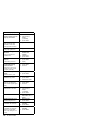
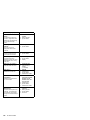
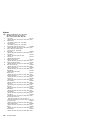
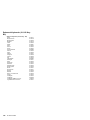
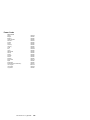
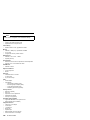
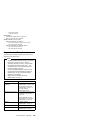
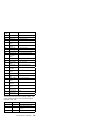
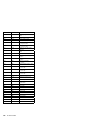
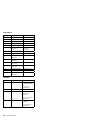
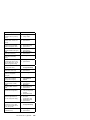
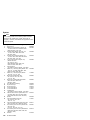
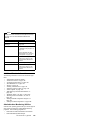
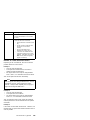
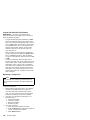
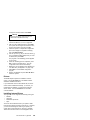
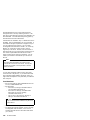
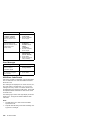
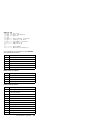
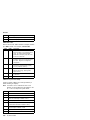
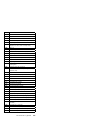
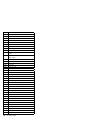
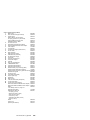
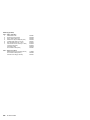
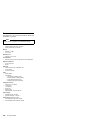
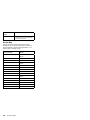
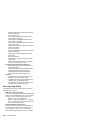
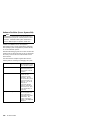
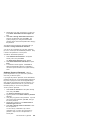
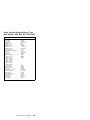
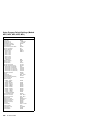
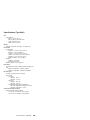
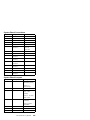
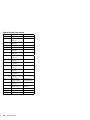
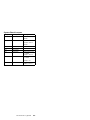
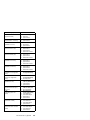
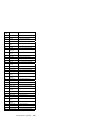
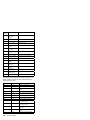
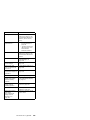
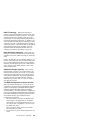
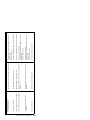
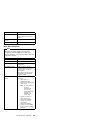
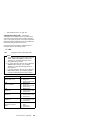
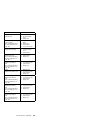
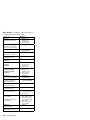
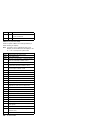
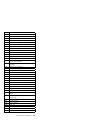
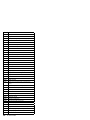
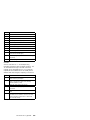
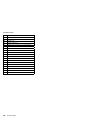
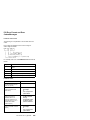
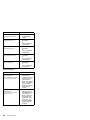
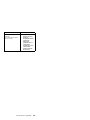
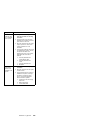
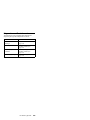
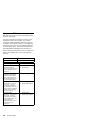
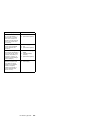
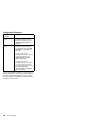
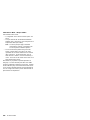
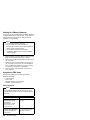
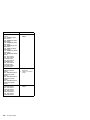
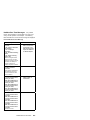
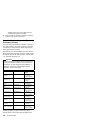
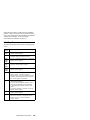
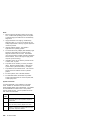
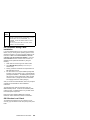
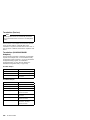
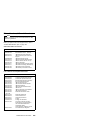
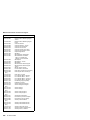
Error Message/Symptom
FRU/Action
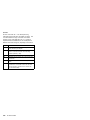
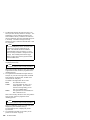
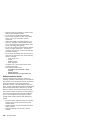
Read Errors
Diskette drive read error.
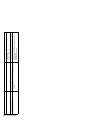
1.
2.
3.
4.
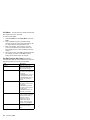
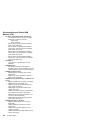
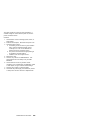
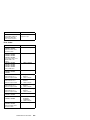
Receive Error
Serial Port loopback test
error.
1. Serial Port Cable
2. System Board
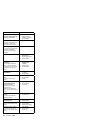
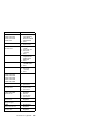
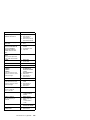
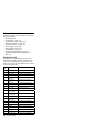
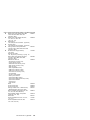
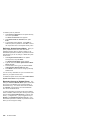
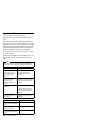
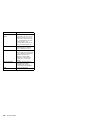
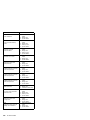
Refresh Failure
The Diagnostics Test
detected an error while
testing the DMA controller's
RAM refresh cycle.
1. Memory Module
2. System Board
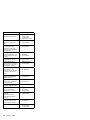
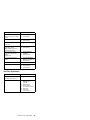
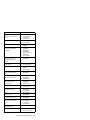
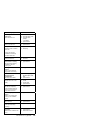
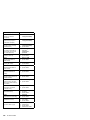
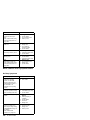
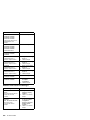
RTC Interrupt Failure
The Diagnostics Test cannot
detect the Real-Time clock
interrupt.
1. Real-Time Clock
Assembly
2. System Board
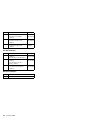
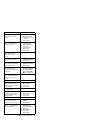
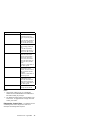
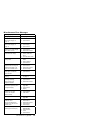
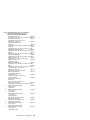
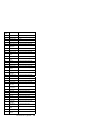
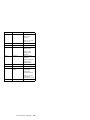
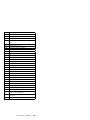
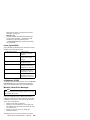
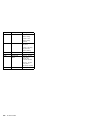
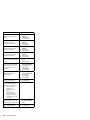
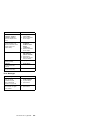
Serial Chip Error
COM Port error, general.
1. Serial Port Cable
2. System Board
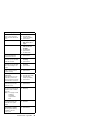
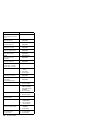
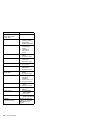
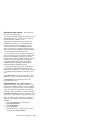
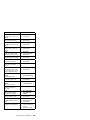
Serial Compare Error
COM Port error, information
transmitted is not the same
as information received.
1. Serial Port Cable
2. System Board
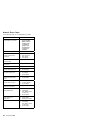
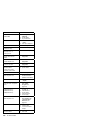
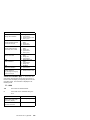
Serial Time-out Error
COM Port error, time
interval is too long between
transmitted and received
data.
1. Serial Port Cable
2. System Board
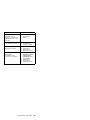
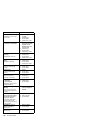
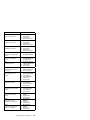
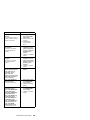
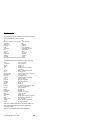
Serious Memory Error —
Diags Cannot Continue
Memory Test error.
1. Memory Module
2. System Board
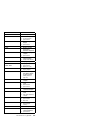
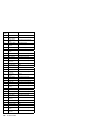
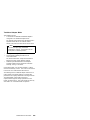
Sorry You Need A Mouse
The mouse or mouse driver
was not detected.
1. Mouse
2. System Board
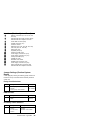
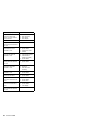
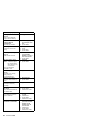
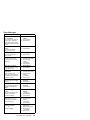
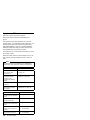
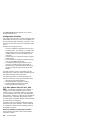
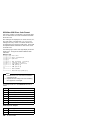
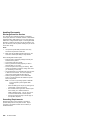
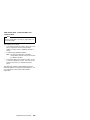
System Hangs (while
loading a diagnostic test)
1. System Board
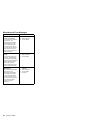
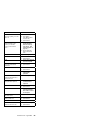
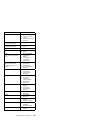
System Hangs
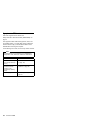
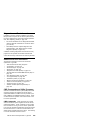
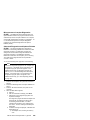
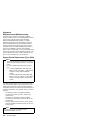
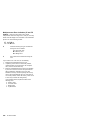
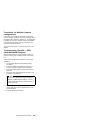
Go to “Undetermined
Problems” on page 552.
1. Any device
2. Any adapter
3. System Board
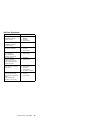
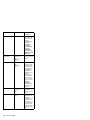
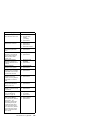
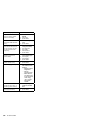
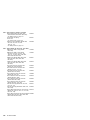
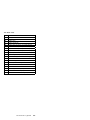
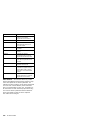
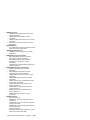
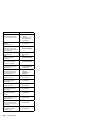
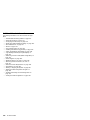
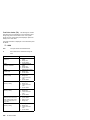
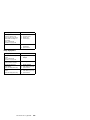
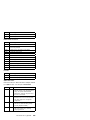
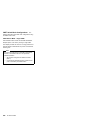
Too Many Errors — Test
Aborted
Too many errors, the
Diagnostics Test cannot
continue.
1. Microprocessor
2. System Board
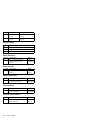
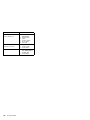
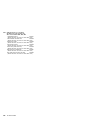
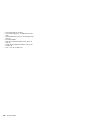
Transmit Error
Internal or external serial
port loopback test failure.
1. Serial Port Cable
2. System Board
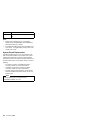
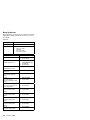
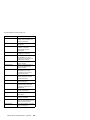
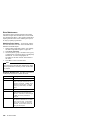
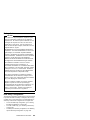
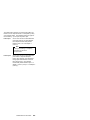
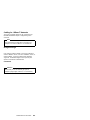
Unable To Detect CD-ROM
1. CD-ROM Drive
2. System Board
3. CD-ROM Cable
44
PC Server HMM
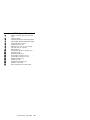
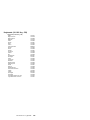
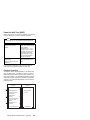
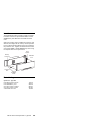
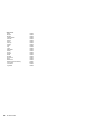
Diskette
Diskette Drive
System Board
Diskette Drive Cable