1
SECTION 6
Date Format
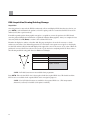
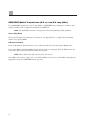
Select either U.S. or European format for entering and displaying the patient’s date of birth.
For example:
July 16, 2007 is displayed as follows:
U.S. Date Format:
European Date Format:
MM/DD/YYYY (07/16/2007)
DD.MM.YYYY (16.07.2007)
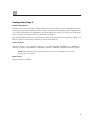
Interpretation (optional)
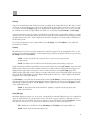
The ELI 10 automatically analyzes ECGs. This setting allows you to select or suppress the “interpretive” text
on the ECG report at the E-Scribe. You may also choose to send the data to the ELI LINK and review the
ECG with interpretation in a PDF format.
NOTE: A qualified physician should review the computer-generated ECG interpretation
before the treatment of any patient.
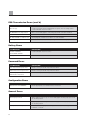
Reasons
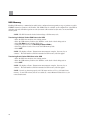
The reasons statements indicate why a particular interpretive statement was printed. Reasons statements print
enclosed in [square brackets] within the interpretive text if the interpretation option is turned on. Turning the
reasons statement function on or off does not affect the measurements performed or the interpretive
statements selected by the analysis program.
For Example:
Anteroseptal Infarct [40+ MS Q WAVE IN V1-V4]
Where “Anteroseptal Infarct” is the interpretive statement and
“40+ MS Q WAVE IN V1-V4” is the reasons statement or
explanation as to why the interpretive statement was printed.
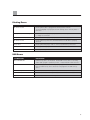
Append
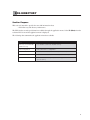
A status or statement phrase can be appended to the ECG. Either “UNCONFIRMED REPORT” or
“Reviewed by” can be selected; however, if you wish to have nothing appended to the ECG, “Blank” may
be selected.
29