1
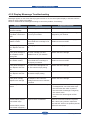
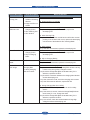
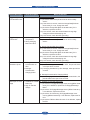
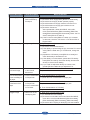
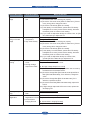
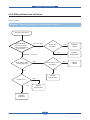
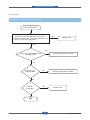
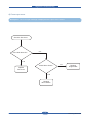
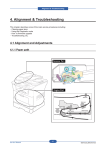
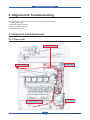
Alignment & Troubleshooting
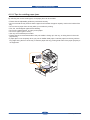
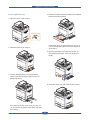
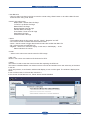
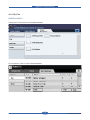
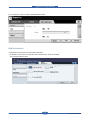
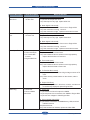
In the multi-purpose tray
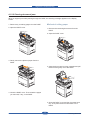
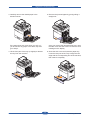
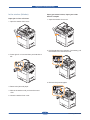
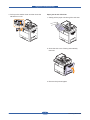
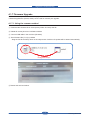
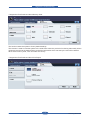
6. Remove the paper in the direction shown. Pull
it out gently and slowly in order to avoid tearing
the paper.
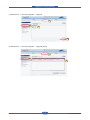
1. If the paper is not feeding properly, pull the
paper out of the machine.
If the jammed paper is not visible, or if the paper
is stuck, stop pulling and continue on to step 5.
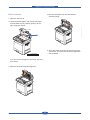
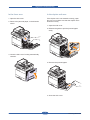
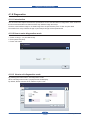
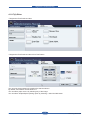
2. Open and close the side cover. Printing
automatically resumes.
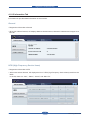
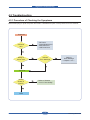
7. Insert the paper tray and close the two covers.
Service Manual
4-11
Samsung Electronics