1
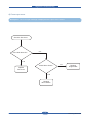
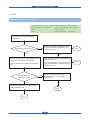
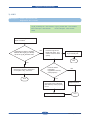
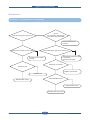
Alignment & Troubleshooting
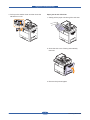
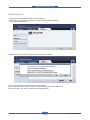
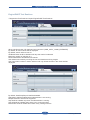
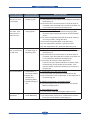
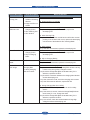
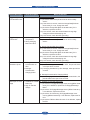
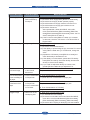
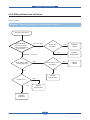
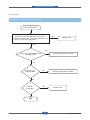
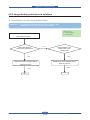
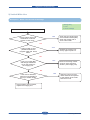
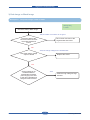
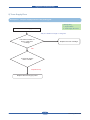
4.1.2 Clearing paper Jam
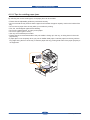
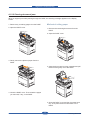
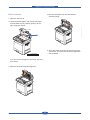
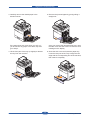
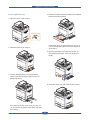
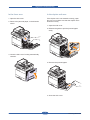
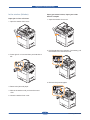
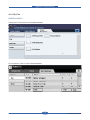
If a paper jam occurs an error message appears in the LCD display. Find and remove the jammed paper. If
you don’t see the paper, open the covers. Do not use a tweezers, pincers or other metal tools when clearing
a paper jam. This could damage the internal mechanism causing print quality problems or possibly electrical
shock.
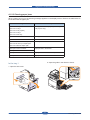
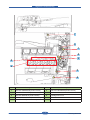
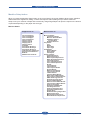
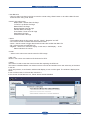
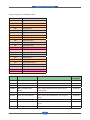
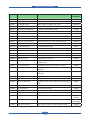
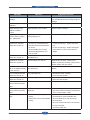
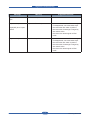
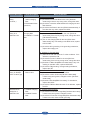
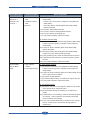
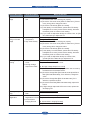
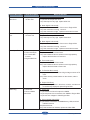
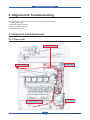
■ JAM type
Scanner Unit
DADF Unit
Duplex Jam 1
Duplex Unit
Jam 2
Toner bottle Unit
Cartridge-Transfer Unit
Cartridge-Drum Unit
Jam 1
LSU Unit
Standard tray
Service Manual
Jam 0
4-2
Samsung Electronics