1
RETURN TO MAIN MENU
SECTION VI
TROUBLESHOOTING
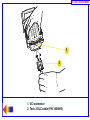
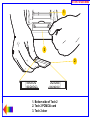
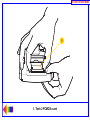
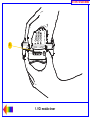
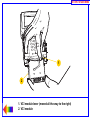
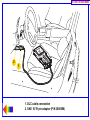
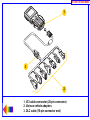
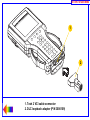
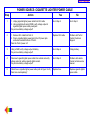
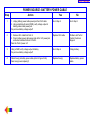
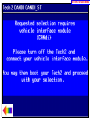
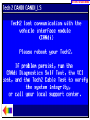
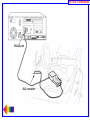
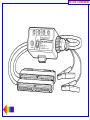
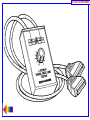
5. Connect the CANdi module to the Tech 2. Connect the system (Tech 2 and CANdi module) to a vehicle
and power on the Tech 2. Verify that the LED on the CANdi module is flashing.
If the LED does not flash or light up at all, it may be defective and you should proceed to step six.
If the LED is not flashing but illuminated, a bad ground may exist somewhere. The grounding problem
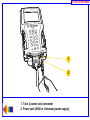
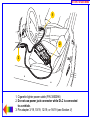
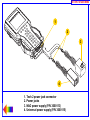
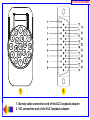
could be due to a defective ALDL (J-1962) female interface on the vehicle. Power the Tech 2 through an
AC/DC power supply and connect the 12-pin ALDL connector. If this fixes the problem with the CANdi
(the LED is flashing), then the vehicle has a grounding problem and the CANdi module is OK.
If the LED is flashing while connected to the vehicle, but the CANdi module still has a problem, proceed
to step six.
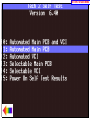
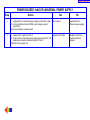
6. If problems persist with the CANdi module, and the Tech 2 recognizes the interface, perform self-test
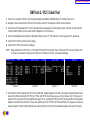
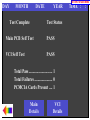
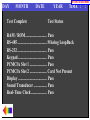
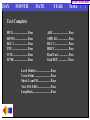
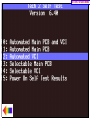
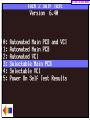
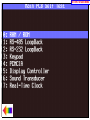
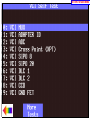
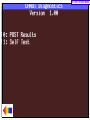
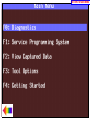
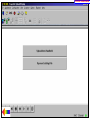
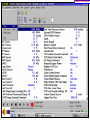
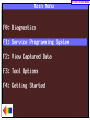
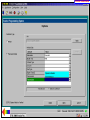
diagnostics on the CANdi module. Select CANdi Diagnostics from the Tool Options menu (Figure VI-29)
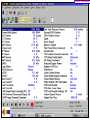
to see the CANdi Diagnostics menu (Figure VI-30). This menu allows you to display POST results, or
request the CANdi module to perform a self-test. Refer to page VI-14 for more information.
If a diagnostic test fails, return the CANdi module to the repair center (see page VI-18).
Contact the Customer Support Center at 1-800-828-6860 before returning the CANdi module.
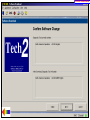
If a known problem with a software version is identified, Customer Support will inform you to update
Tech 2 software with the correct software version number.
2005
Tech 2 User’s Guide
VI - 17