1
Introduction
System Overview
Details
This product is 100% web-based software and requires an Internet connection and a Web
browser (such as Microsoft Internet Explorer). If you are using Microsoft Internet Explorer
version 7x, automatic cookie override should be accepted (advanced privacy). Below are a
few more details about the system.
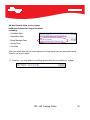
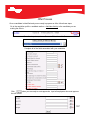
Note: There are a few browser settings needed to insure the system is operating correctly:
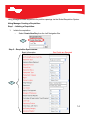
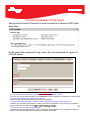
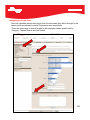
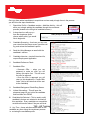
In the Tools > Internet Options > General > Settings select “Every Visit to the Page”
Disable any pop-up blockers for the site.
Talent Acquisition System Basics
Save Your Work
Because the system is a web-based application, there are no automatic save functions. It is
very important for you to save any entries or edits before clicking a link or moving to another
page. There are save features on every editable page. There are multiple Save buttons
available when editing profiles. Any of these Save buttons can be used to save the entire
page.
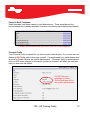
Log Out
Always log out of the system; do not close the browser window to exit the Talent Acquisition
System. This ensures your session has ended.
Open New Window
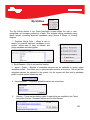
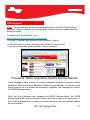
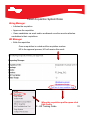
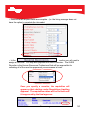
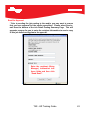
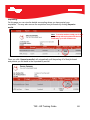
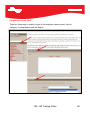
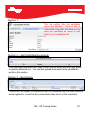
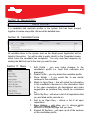
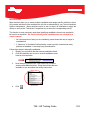
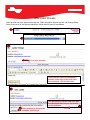
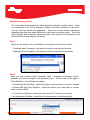
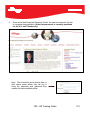
Within the system you have the ability to open content in a separate window. Right-click on
any link in the application and select “Open in New Window” to open a secondary window
without losing your place in the system. Secondary windows, when opened this way, are
easy to identify because they do not have the left NavBar. We do not recommend using the
“Open New Window” option from the browser File menu since multiple main windows may
become confusing.
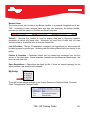
Browser Toolbar Options
The use of the Back and Forward buttons within the system is discouraged because the
results are not always what you might expect. You may be sent back to My Desktop or
Workbench with your work unsaved. Other buttons like Print and Favorites may be used.
Edit > Find on the menu bar is a useful feature in finding specific text (CTRL F on the
keyboard). In addition, the Cut, Copy, and Paste functions are always useful.
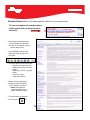
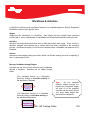
Refreshing
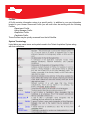
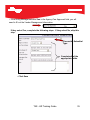
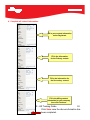
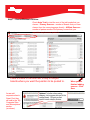
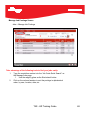
As you begin working in the Talent Acquisition System you may find it useful to Refresh
your screen after certain updates
have- been
made. Guide
TAS
HR Training
3
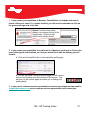
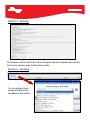
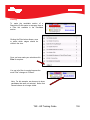
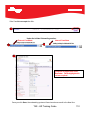
Note: We recommend right-clicking your mouse in the frame you want to refresh and
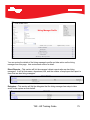
selecting Refresh from the right click menu.