1
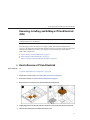
Removing and Installing a Hard Drive Filler and Hard Drive Assembly (CRU)
3
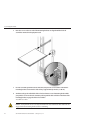
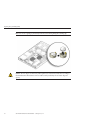
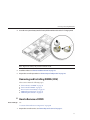
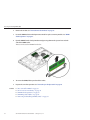
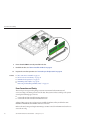
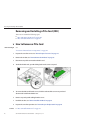
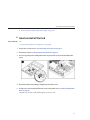
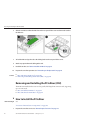
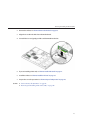
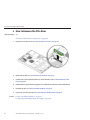
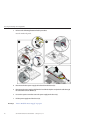
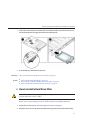
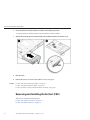
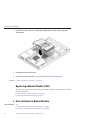
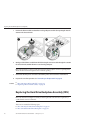
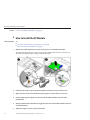
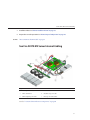
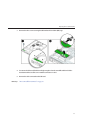
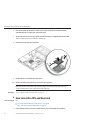
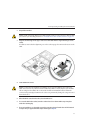
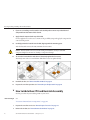
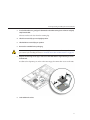
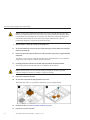
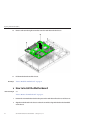
To remove the drive, us the handle to pull the drive out of the drive slot.
4
If you are replacing the drive, go to “How to Install a Removable Hard Drive Assembly”on
page 51.
5
If you are not replacing the drive, install a filler panel. See “How to Install a Hard Drive Filler”on
page 49.
6
Power on the server. See “How to Power On the Server”on page 28.
See Also
■
■
■
▼
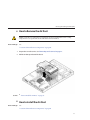
Before You Begin
“How to Remove a Hard Drive Filler” on page 48
“How to Install a Hard Drive Filler” on page 49
“How to Install a Removable Hard Drive Assembly” on page 51
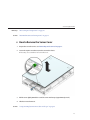
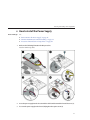
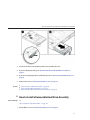
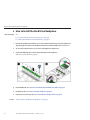
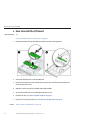
How to Install a Removable Hard Drive Assembly
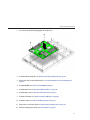
See:
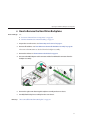
“How to Remove a Hard Drive Filler” on page 48.
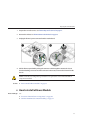
1
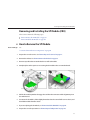
Power off the server. See “How to Power Off the Server”on page 28.
51