1
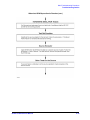
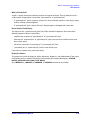
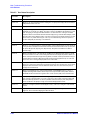
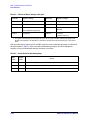
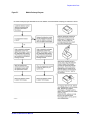
Main Troubleshooting Procedure
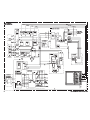
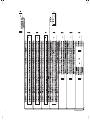
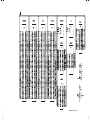
85101C Display/Processor Power Supply Troubleshooting
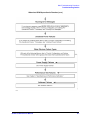
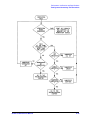
Determine Why the Green LED on A10 Is Not On Steadily
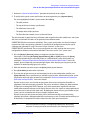
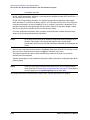
If the green LED is not on steadily, the line voltage is missing or is not enough to power the 85101C.
Continue this procedure with the next paragraph.
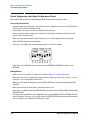
Check the Line Voltage, Selector Switch, and Fuse
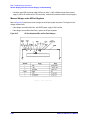
Check the main power line cord, line selector switch setting, line fuse, and actual line voltage to see that
they are all correct.
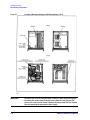
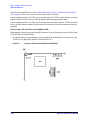
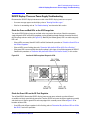
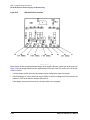
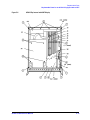
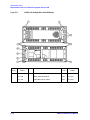
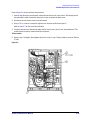
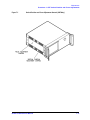
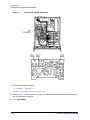
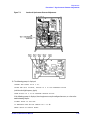
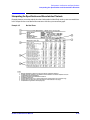
Figure 4-12 (earlier in this procedure) shows the location of the line voltage selector switch. Use a small
flat-bladed screwdriver to select the correct switch position.
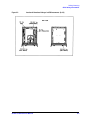
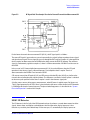
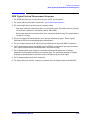
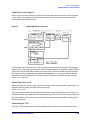
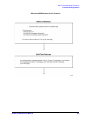
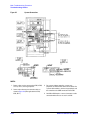
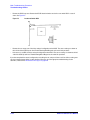
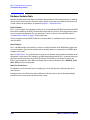
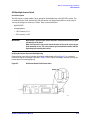
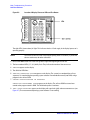
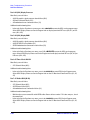
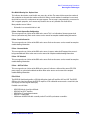
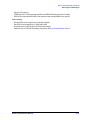
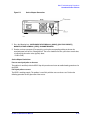
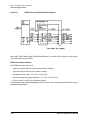
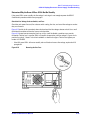
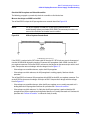
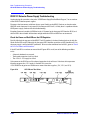
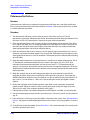
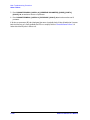
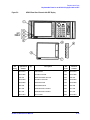
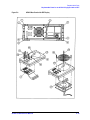
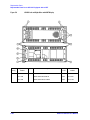
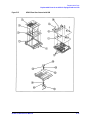
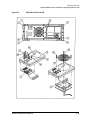
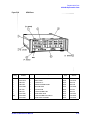
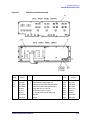
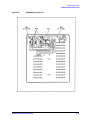
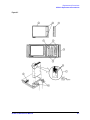
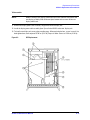
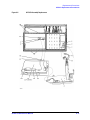
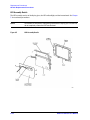
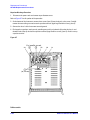
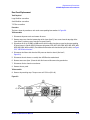
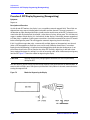
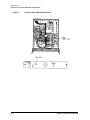
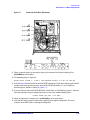
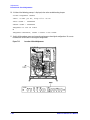
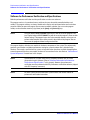
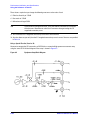
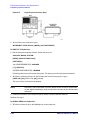
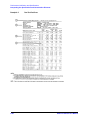
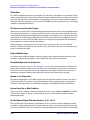
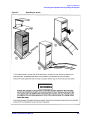
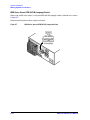
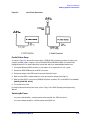
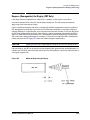
Figure 4-14 shows how to remove the line fuse, using a small flat-bladed screwdriver to pry out the
fuseholder. The line fuse is rated for 250 V at 3 amperes for operation at all line voltages. A spare fuse is
provided in a plastic “drawer” in the line fuseholder as shown in the figure. The line fuse Agilent part
number is 2110-0655.
•
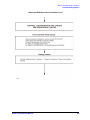
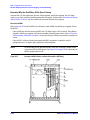
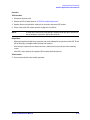
If the A10 green LED is still not on steadily after verification of correct line voltage, replace the A10
preregulator.
Figure 4-14
Removing the Line Fuse
8510C On-Site Service Manual
4-83