1
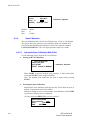
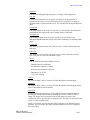
Micro-Tech 3102
Default: 0
Min: 0
Max: Scale Capacity
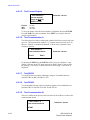
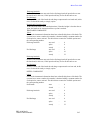
Press the DOWN key if a CHARGE BATCH or DISC. BATCH component.
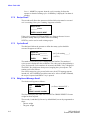
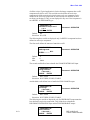
The next scroll is displayed. Enter the cut-off correction mode.
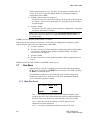
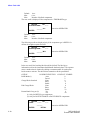
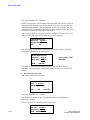
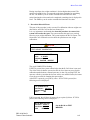
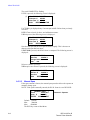
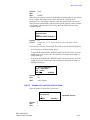
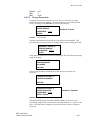
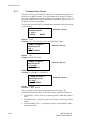
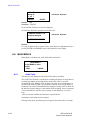
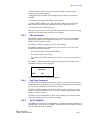
-- COMPONENT #-Cut-off correction
> Manual <
CHOICE
ENTER
Password: OPERATOR
Default:
MANUAL
Selections: MANUAL, AUTOMATIC
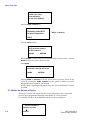
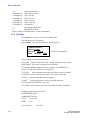
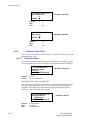
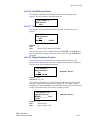
If AUTOMATIC is selected, the following scroll shows the actual value of the
correction. If MANUAL is selected, the cut-off can be entered in this scroll.
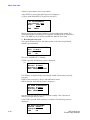
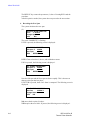
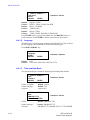
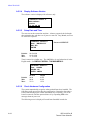
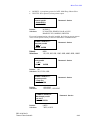
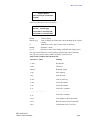
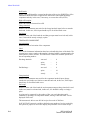
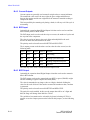
-- COMPONENT #-Cut-off weight
__________ T.U.
ENTER
Default:
Min:
Max:
Password: OPERATOR
0
0
Scale Capacity
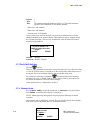
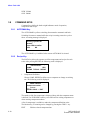
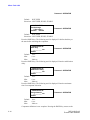
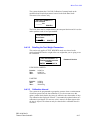
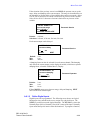
If AUTOMATIC was selected above, the following scroll is displayed. Enter the
maximum cut-off correction.
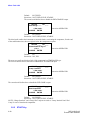
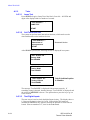
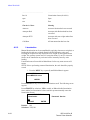
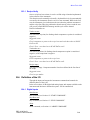
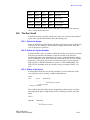
-- COMPONENT #-Cut-off max corr.
__________ T.U.
ENTER
Default:
Min:
Max:
Password: OPERATOR
0
0
Scale Capacity
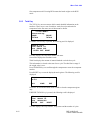
Press the DOWN key. If a CHARGE BATCH or DISC. BATCH component
was selected, the next scroll is displayed.
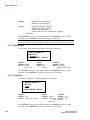
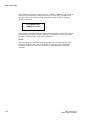
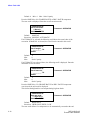
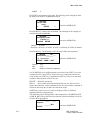
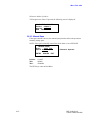
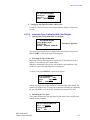
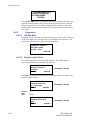
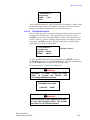
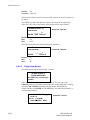
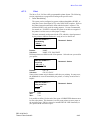
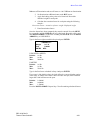
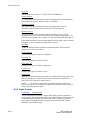
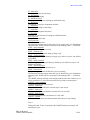
This defines the high and low rate outputs during high rate batch.
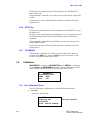
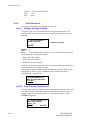
-- COMPONENT #-High rate mode
> High only <
CHOICE
ENTER
Password: OPERATOR
Default:
HIGH ONLY
Selections: HIGH ONLY, HIGH + LOW
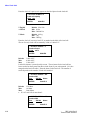
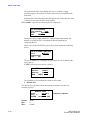
The next scroll defines if a component is to be automatically executed at the end
3-12
REC 4192 Rev B
Thermo Fisher Scientific