1
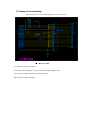
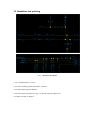
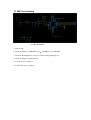
1,Canot download/flash SW
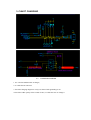
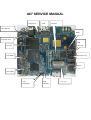
It might be the poor quality soldering of IO Connector or CPU, so you should check the soldering
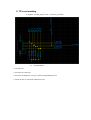
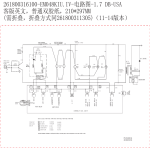
quality of PCBA first ,then check the diagram as below
。
1.use a fresh cable
2.check the I/O connector and its soldering quality
3.re-solder the IO connector
4. re-solder the 32K crystal or change it
5. re-solder the 26M crystal or change it
6. re-solder the flash or change it
7. re-solder the CPU or change it
8.Checking other function diagram
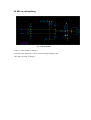
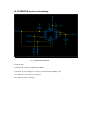
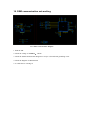
2 Canot power on
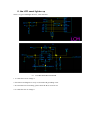
Check the positive and negative terminals of the PCBA to verify it is shorted or not; then power
on the handset with DC to verify its current is correct or not; then check the PWR is opened or
not; Re-flash the SW if the current is always 50mA; check the solder quality of 26M crystal or
RF Transceiver if the current is always 10mA.
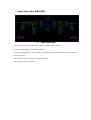
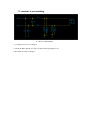
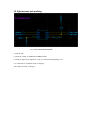
1, Check the battery connector to verify it is shorted or not; then power on the handset with DC
to verify its current is correct or not;
、 、
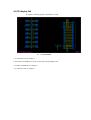
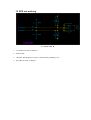
2,Re-flash the SW ,check the DM DP U1TXD is shorted with ground or not ;
3,check the current is correct or not, check the LDO,VBAT is shorted with ground or not
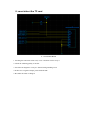
4,check the visible component is shorted with ground or not
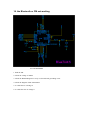
5,re-solder the 32K crystal or change it
6, re-solder the 26M crystal or change it
7, re-solder the CPU or change it
。