1
Service Mode
(Refer to Appendix B for LaserJet 5 information.)
The Service Mode should be used only by authorized service
personnel. The following can be executed while in the Service
Mode:
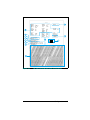
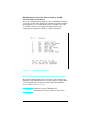
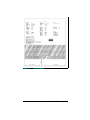
• Print a Service Mode Self Test.
• Verify the Page Count, (the page count also is displayed on the
standard self test).
• Set the Page Count.
• Set the Cold Reset Default (This sets the factory default paper
•
•
•
size. Use when replacing non-U.S. Formatters).
Set the Diagnostic Functions ON or OFF (for software
developers use only).
Demo Page=On/Off. Removes the Demo Page option from the
self test menu.
BIG Data=On/Off (HP LaserJet 4 Plus only). Setting BIG
Data to ON increases the size of the printer’s status Readback
Buffer.
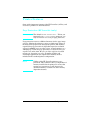
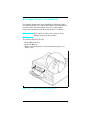
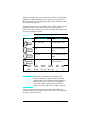
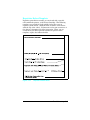
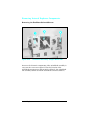
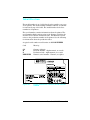
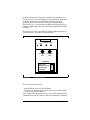
The following procedure is used to initiate the Service Mode.
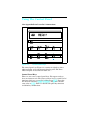
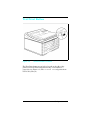
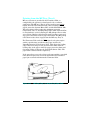
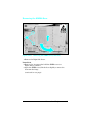
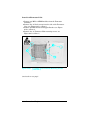
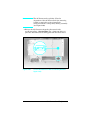
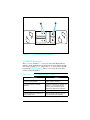
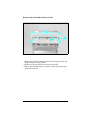
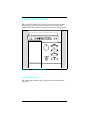
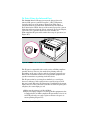
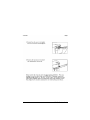
1 Hold down the [ON LINE], [FORM FEED], and [ENTER] keys while
powering ON the printer, until the ON LINE and FORM
FEED Indicators are both illuminated and the Display
Window is blank. (If the Display Window reads 05 SELF
TEST at this point, the keys were released too soon. Repeat
this step until successful.)
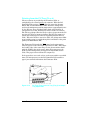
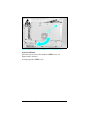
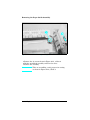
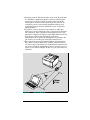
2 Press the [FORM FEED] key, then the [ENTER] key. The
message SERVICE MODE is displayed briefly, then the printer
automatically begins a 05 SELF TEST.
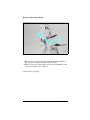
After several seconds, the [ON LINE] and [FORM FEED] lights turn
OFF. (The printer may display 02 WARMING UP if it has not
warmed up completely.)
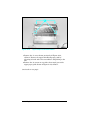
After the printer has warmed up and passed the self test,
SERVICE MODE is displayed.
To exit the Service Mode press the [ON LINE] key.
3-20 Configuration