1
Using the ARM Command Line Utilities for Windows NT
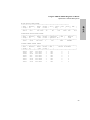
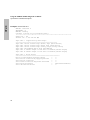
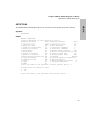
Rebuilding the Disk Array
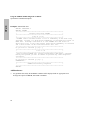
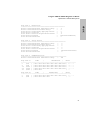
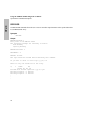
Checking the Progress of a Rebuild
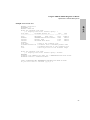
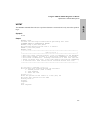
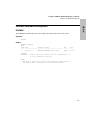
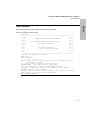
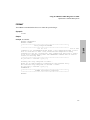
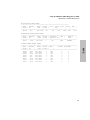
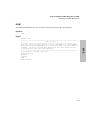
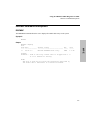
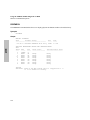
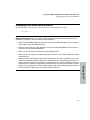
You can easily check the progress of a rebuild. This allows you to determine approximately when a rebuild
will complete.
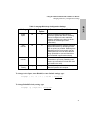
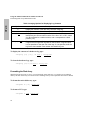
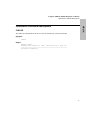
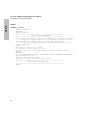
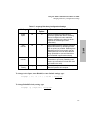
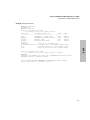
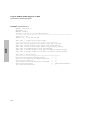
To check the progress of a rebuild, type:
arrayrbld -p <array-id>
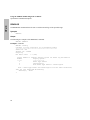
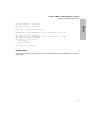
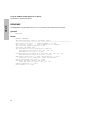
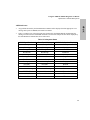
Canceling a Rebuild
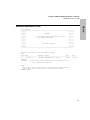
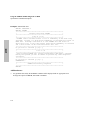
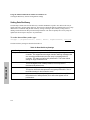
A rebuild can be canceled only if it was started manually. A rebuild that was started by Auto Rebuild cannot
be canceled. If a rebuild is canceled, it must be started over again and any progress made during the first
rebuild will be lost.
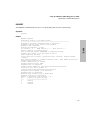
When canceling a rebuild, the rebuild may not stop immediately. This occurs if the disk array is busy
servicing higher priority I/O requests from the host. The rebuild will be canceled when the disk array has
serviced all higher priority commands.
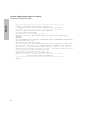
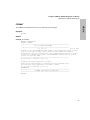
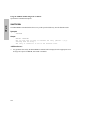
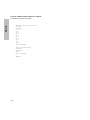
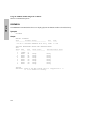
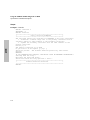
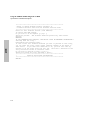
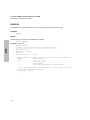
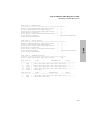
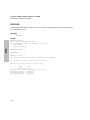
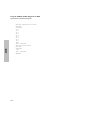
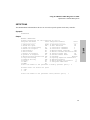
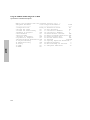
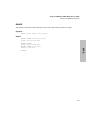
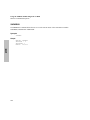
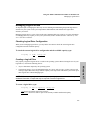
To cancel a rebuild, type:
Windows NT
arrayrbld -c <array-id>
252