1
Using the ARM Command Line Utilities for MPE
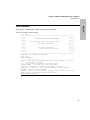
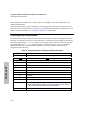
Downloading Firmware
Firmware Download Procedure
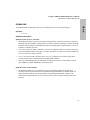
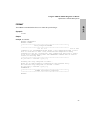
The procedure described below should be followed to perform the download. This procedure works for
single or multi-host configurations.
CAUTION! In multi-host configurations, other hosts must not access the disk array while
the download is in progress. Data can be lost if write requests are made to the disk array
while a download is in progress.
If the system volume set is contained on the array, the offline diagnostic (ARDIAG) must be used to
download the firmware.
MPE
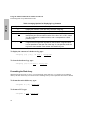
NOTE! The download process automatically shuts down the array. The array Shutdown will not
succeed unless all file systems have been unmounted access to the array has been deactivated.
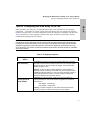
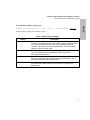
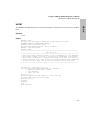
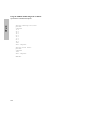
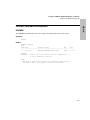
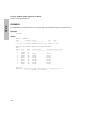
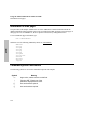
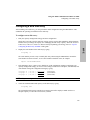
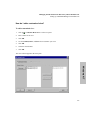
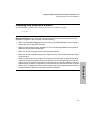
To download firmware to the array controllers or to the disk mechanism:
1.
Quiet (quiesce) or stop all I/O traffic to the array.
2.
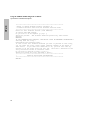
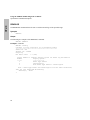
Download the controller or disk mechanism firmware.
3.
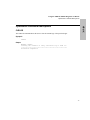
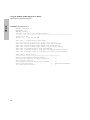
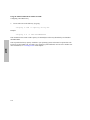
Load the controller firmware.
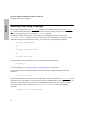
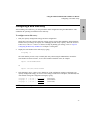
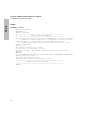
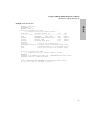
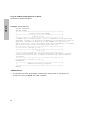
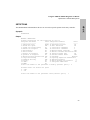
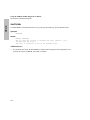
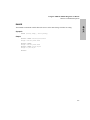
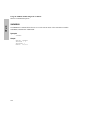
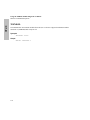
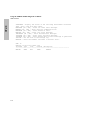
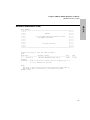
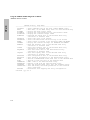
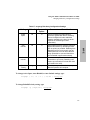
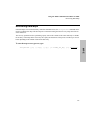
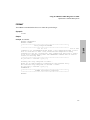
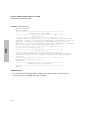
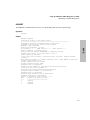
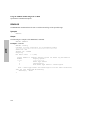
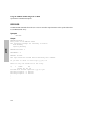
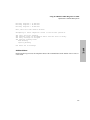
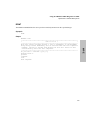
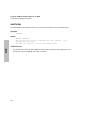
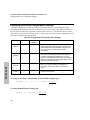
download -C firmware.file 000000123456
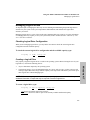
If the disk array has LUNs that are being used as raw devices, for example a database system doing “raw”
I/O, the array should be disconnected from all systems except the one doing the download.
152