1
10
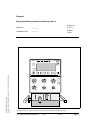
Calibration / LED / Potentiometer Test
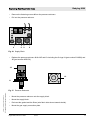
• Assemble the Babylog 8000/Babylog 8000 plus/Babylog 8000 SC including the
tubing system but without the humidifier.
• Switch the device on.
• Note the software version and the operating hours down.
Communication conversion kit y/n (is displayed under the operating hour indication
after power-on).
Important: 8306065 or 8411108 (see nameplate option field) without central-alarm
function. The sockets for the communication interface may be present even if this
function is not available.
• O2 calibration.
• Flow sensor calibration (only in the Babylog 8000).
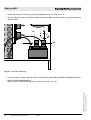
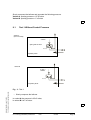
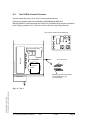
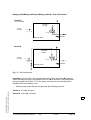
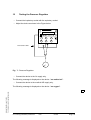
LED and horn test (press and hold the “Reset Check” : after 2 s, each LED and the
stand-by horn are triggered.).
Important:
Alarm LEDs = 1 yellow and 2 red LEDs
Trigger LEDs = 3 yellow LEDs
Display backlight.
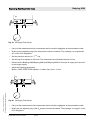
• Testing the keys (check respective reaction of the equipment).
GBK61733XXTL1.fm 07.07.05
For internal use only. Copyright reserved.
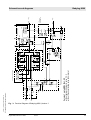
Potentiometers (no fault message about potentiometer malfunction).
6173.3 Babylog 8000/8000 plus/8000 SC
12/00
General
Page 11