1
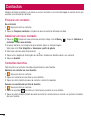
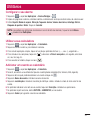
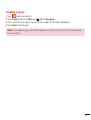
Creating a group
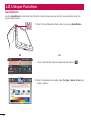
1 Touch
to open your contacts.
2 Touch Groups and touch the Menu key
. Select New group.
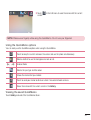
3 Enter a name for the new group. You can also set a ringtone for the newly created group.
4 Touch Save to save the group.
NOTE: If you delete a group, the contacts assigned to that group will not be lost. They will remain
in your contacts.
35