1
to choose standard adaptor (Input: AC110~240V 50/60Hz Max:180MA..
Output: DC5.0~5.5V/2A), this device without supply DC charging, USB
interface can charge, Choose USB interface to charger
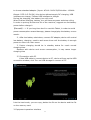
During the charging, the battery icon will scroll
When finished charging, battery icon will become green and stop rolling
In order to prolong the service life of the machine, suggest use out battery
power before charge it
【Remark】: 1. If you long time don’t to use this Tablet, in order to avoid
power consumption caused damage, please charge/play the battery once a
month.
2、After low battery shut down, connect DC adaptor, device will remind
low battery, charging, need to wait some time until the battery is enough
power to enter into main menu.
3. Device charging should be in standby status for reach normal
charging time.
Because with device and screen consumption, it may cause longer
charging time
2.2 Connection with PC
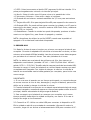
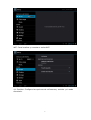
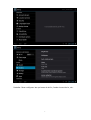
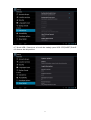
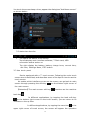
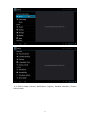
U Use USB cable to connect device to PC, device will pop up the USB
connection window, click Turn on USB storage to connect to PC
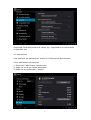
Into the load mode, you can copy; delete the file on the device and the file
on the memory card.
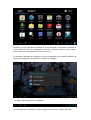
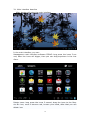
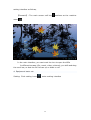
3. Equipment operation interface
17