1
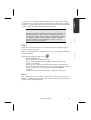
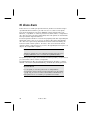
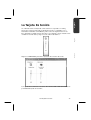
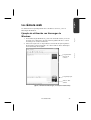
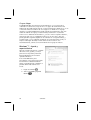
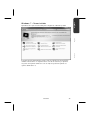
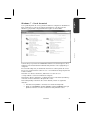
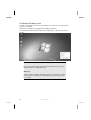
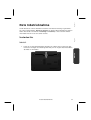
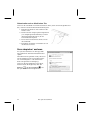
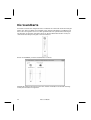
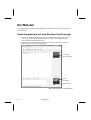
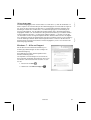
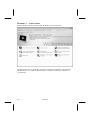
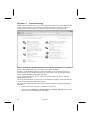
Español Control Panel System tray Deutsch System tray on the current time. When certain events occur, for example, upon receipt of an e-mail message or upon opening the task manager, it may happen that too many notification symbols are displayed in this field. Windows® displays a notification symbol when an event occurs. After a short time, Windows® places the symbol in the background, in order to maintain the straightforwardness of the field. You can access the symbols placed in the background by clicking on a button in the system tray. English You can use the icons in Control Panel to change the appearance and functionality of Windows®7. These icons represent options for configuring your notebook. You should, however, consult “Help and Support“ on the potential effects of certain changes. Getting Started 23