1
08.2008
Technical Data
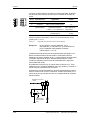
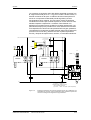
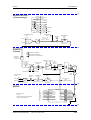
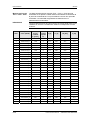
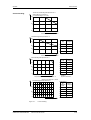
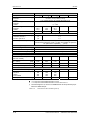
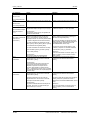
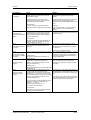
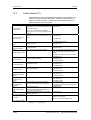
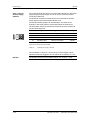
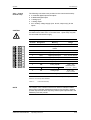
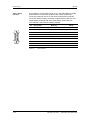
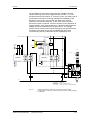
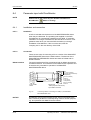
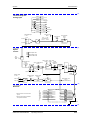
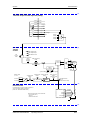
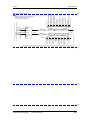
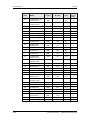
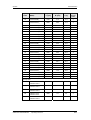
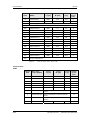
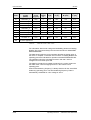
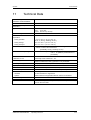
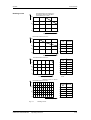
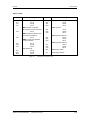
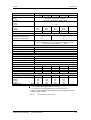
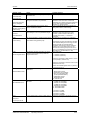
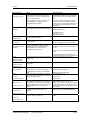
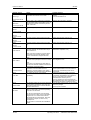
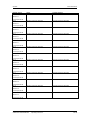
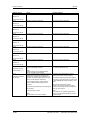
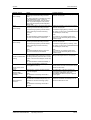
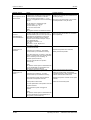
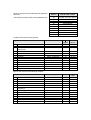
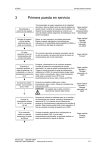
Derating curves
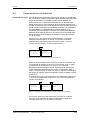
Permissible rated input voltage in %
according to VDE 0110 / IEC 664-1
(not required by UL / CSA)
100
75
50
0
1000
2000
3000
4000
Height above sea level in m
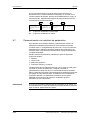
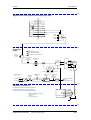
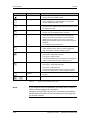
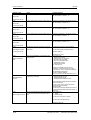
Permissible rated current in %
100
Height
[m]
Derating
factor K1
1000
1.0
2000
0.9
3000
0.845
4000
0.8
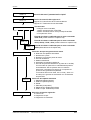
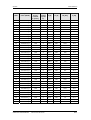
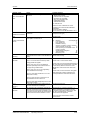
100
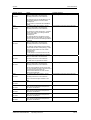
Temp
[°C]
Derating
factor K2
75
50
0.879
45
1.0
50
40
1.125
35
1.25 *
30
1.375 *
25
1.5 *
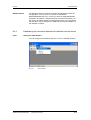
90
80
70
60
0
1000
2000
3000
4000
Height above sea level in m
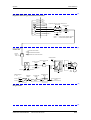
Permissible rated current in %
25
0
0
10
20
30
40
50
Coolant temperature in °C
*See note
below
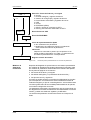
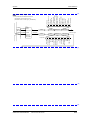
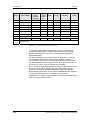
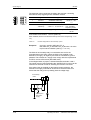
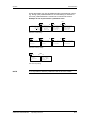
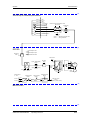
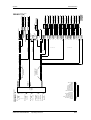
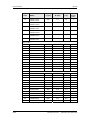
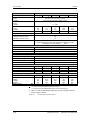
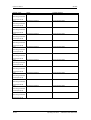
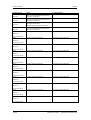
Derating for units of ≥ 22 kW
Permissible rated current in %
100
Pulse
Derating
frequency factor K
3
kHz
75
50
0
2
Fig. 11-1
4
6
6
1.00
7
0.95
8
0.90
9
0.85
10
0.80
8 10 12 14 16 18
Pulse frequency
Derating curves
Siemens AG
6SE7087-8KP50
SIMOVERT MASTERDRIVES
Operating Instructions
11-3