1
English
Post-Processing Shapefiles with
Raw Data in MobileMapper Office
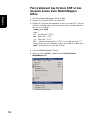
1. Install MobileMapper Office 3.40a.
2. Copy the collected shapefiles to the PC.
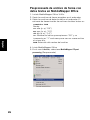
3. Copy the raw data files to the PC. The naming convention
for raw data files is:
yymmddnn.RAW
Where:
yy: Year (e.g. “05”)
mm: Month (e.g. “10”)
dd: Day (e.g. “14”)
nn: Index number that starts from “00” and is incremented by “1” every time a new file is created the same
day.
RAW: Filename extension.
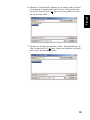
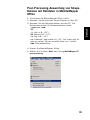
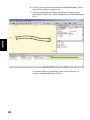
4. Start MobileMapper Office
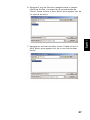
5. In the File menu, select MobileMapper CX post processing.
5