1
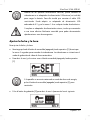
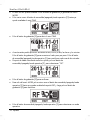
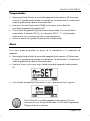
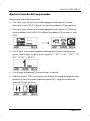
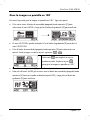
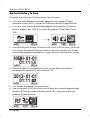
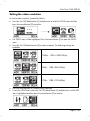
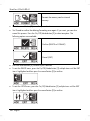
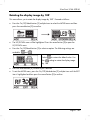
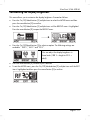
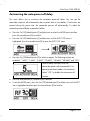
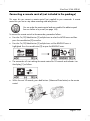
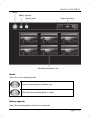
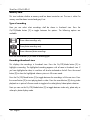
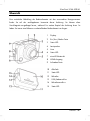
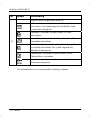
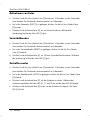
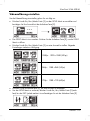
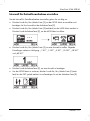
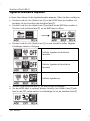
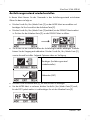
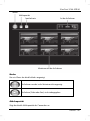
SilverCrest SCAA 5.00 A1 Customising the beeper volume This menu allows you to customise the beeper volume. Proceed as follows: Press the On/Off/Mode button [2] multiple times to select the MORE menu and then press the record button [9] to confirm. Press the On/Off/Mode button [2] multiple times until the BEEP menu is highlighted. Press the record button [9] to open the BEEP menu. Press the On/Off/Mode button [2] to select an option. The following settings are available: Sets the beeper volume to the highest value. Sets the beeper volume to a middle value. Disables the beeper. Press the record button [9] to confirm your selection. To exit the MORE menu, press the On/Off/Mode button [2] multiple times until the EXIT item is highlighted and then press the record button [9] to confirm. 112 - English