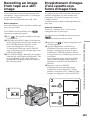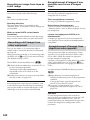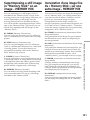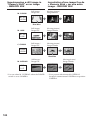
1
Making your own
titles
Création de titres
personnalisés
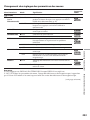
You can make up to two titles and store them in
the memory of your camcorder. Each title can
have up to 20 characters.
Vous pouvez créer deux titres qui resteront
mémorisés dans le caméscope. Chaque titre peut
contenir 20 caractères au maximum.
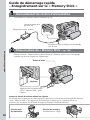
The POWER switch should be set to
or
.
Operate by touching the panel.
Le commutateur POWER doit être en position
ou
.
Utilisez les touches de l’écran tactile.
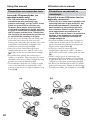
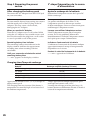
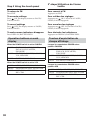
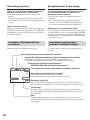
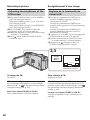
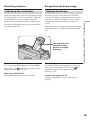
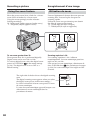
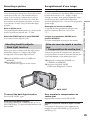
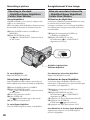
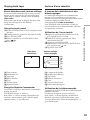
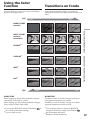
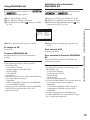
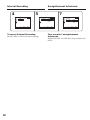
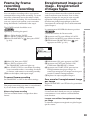
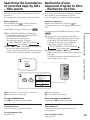
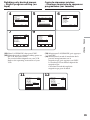
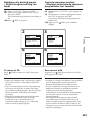
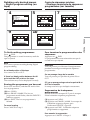
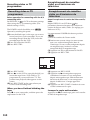
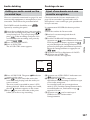
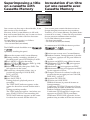
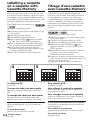
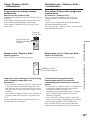
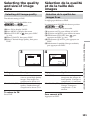
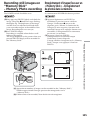
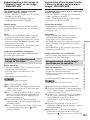
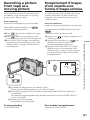
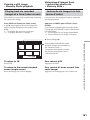
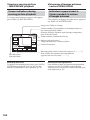
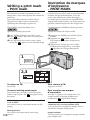
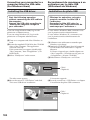
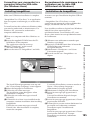
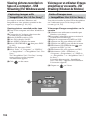
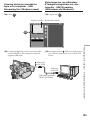
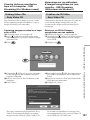
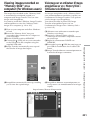
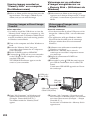
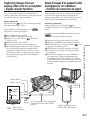
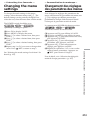
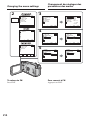
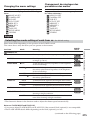
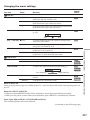
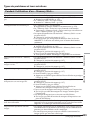
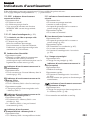
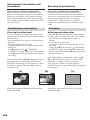
(1) Press FN to display PAGE1.
(2) Press MENU to display the menu.
(3) Select TITLE in
, then press EXEC (p. 220).
, then press EXEC.
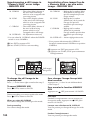
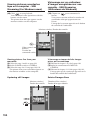
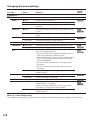
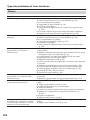
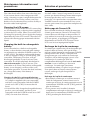
(4) Select
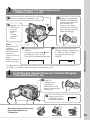
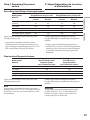
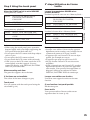
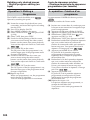
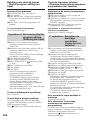
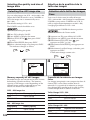
(5) Select CUSTOM1 SET or CUSTOM2 SET, then
press EXEC.
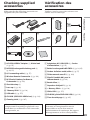
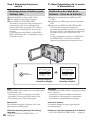
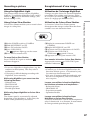
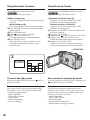
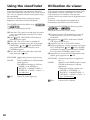
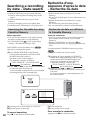
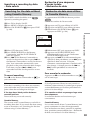
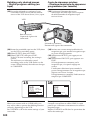
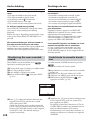
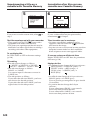
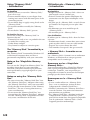
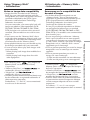
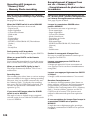
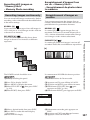
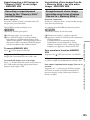
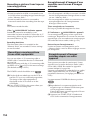
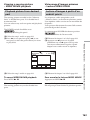
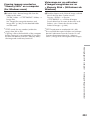
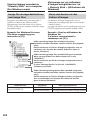
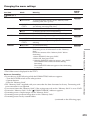
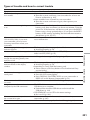
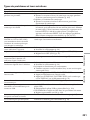
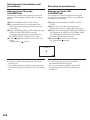
(6) Select a desired character. Repeat pressing a
key to select a desired character on the key.
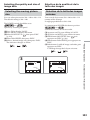
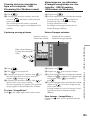
(7) Press c to move the cursor for the next
character. Repeat the same procedure as step
6 and 7 to complete your title.
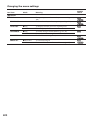
(8) Press SET. The title is stored in memory.
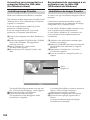
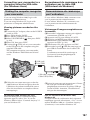
(1) Appuyez sur FN pour afficher la PAGE1.
(2) Appuyez sur MENU pour afficher le menu.
(3) Sélectionnez TITLE dans
, puis appuyez
sur EXEC (p. 230).
(4) Sélectionnez
, puis appuyez sur EXEC.
(5) Sélectionnez CUSTOM1 SET ou CUSTOM2
SET, puis appuyez sur EXEC.
(6) Sélectionnez le caractère souhaité. Continuez
à appuyer sur d’autres touches pour
sélectionner d’autres caractères.
(7) Appuyez sur c pour faire avancer le curseur
au caractère suivant. Répétez les étapes 6 et 7
pour écrire tout le titre.
(8) Appuyez sur SET. Le titre est mémorisé.
4
5
TITLE SET
CUSTOM1 SET
CUSTOM2 SET
r
R
EXEC
EXIT
7
TITLE SET
EXIT
TITLE SET
[____________________]
t
&? ! ABC
DEF T
RET.
EXIT
[ PARTY_______________ ]
t
&? ! ABC
DEF T
GH I
JKL
MNO
123
45
678
90
GH I
JKL
MNO
123
45
678
90
PQR
S
TUV
WXY
Z
’.,
/–
SET
PQR
S
TUV
WXY
Z
’.,
/–
SET
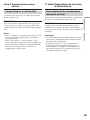
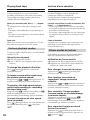
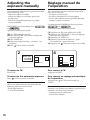
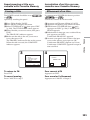
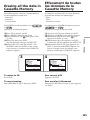
To return to FN
Pour revenir à FN
Press EXIT.
Appuyez sur EXIT.
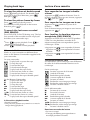
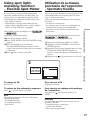
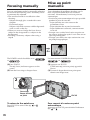
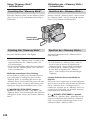
To change a title you have stored
Pour modifier le titre mémorisé
In step 5, select CUSTOM1 SET or CUSTOM2
SET, depending on which title you want to
change, then press EXEC and enter the new title
as desired.
A l’étape 5, sélectionnez CUSTOM1 SET ou
CUSTOM2 SET, selon le titre que vous voulez
modifier, puis appuyez sur EXEC et saisissez le
nouveau titre.
122