1
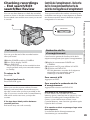
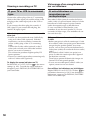
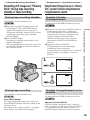
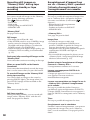
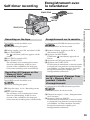
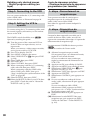
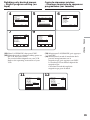
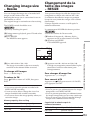
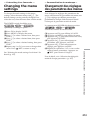
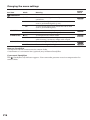
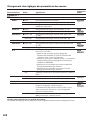
Changing the menu settings
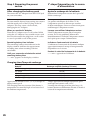
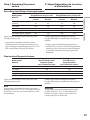
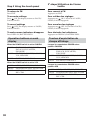
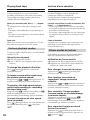
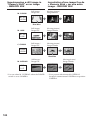
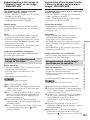
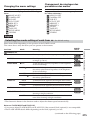
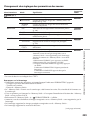
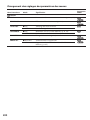
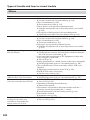
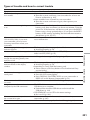
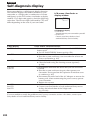
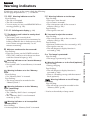
Icon/item
Mode
Meaning
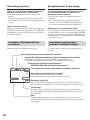
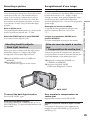
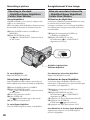
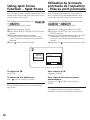
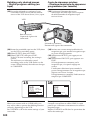
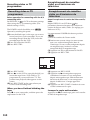
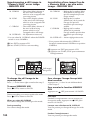
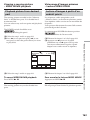
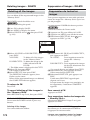
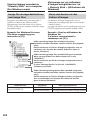
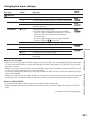
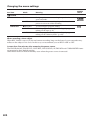
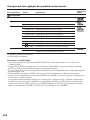
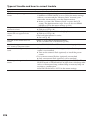
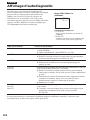
z ON
To light up the camera recording lamp at the front of
your camcorder
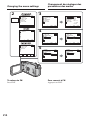
POWER
switch
OTHERS
REC LAMP
OFF
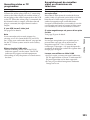
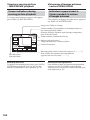
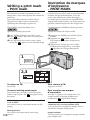
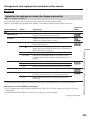
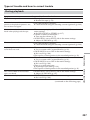
VIDEO EDIT
z RETURN
To turn the camera recording lamp off so that the
person is not aware of the recording
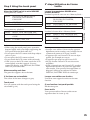
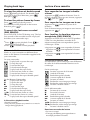
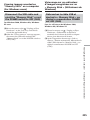
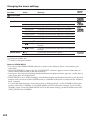
To cancel Digital program editing
TAPE
To make programmes and perform Digital program
editing on the tape (p. 97)
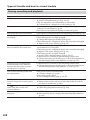
MEMORY
To make programmes and perform Digital program
editing on the “Memory Stick” (p. 154)
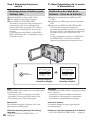
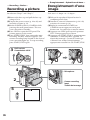
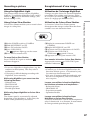
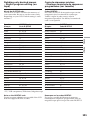
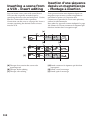
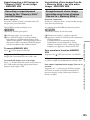
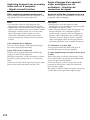
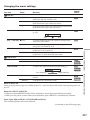
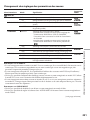
When recording a close subject
When REC LAMP is set to ON, the red camera recording lamp on the front of your camcorder may
reflect on the subject if it is close. In this case, we recommend you set REC LAMP to OFF.
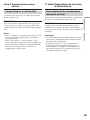
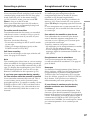
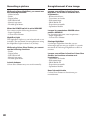
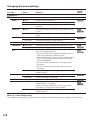
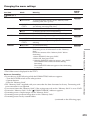
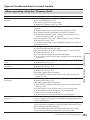
In more than five minutes after removing the power source
The PROGRAM AE, FLASH LVL, WHT BAL, HiFi SOUND, AUDIO MIX and COMMANDER items
are returned to their default settings.
Other menu items are held in memory even when the power source is removed.
224