1
Playing back images
continuously
– Slide show
Lecture d’images en
diaporama
– SLIDE SHOW
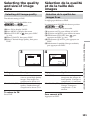
You can play back all the images in the “Memory
Stick” or in the specified folder using slide show.
Lorsque vous utilisez cette fonction, les images
enregistrées sur le « Memory Stick » ou dans le
dossier spécifié peuvent être reproduites dans
l’ordre sans interruption.
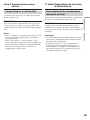
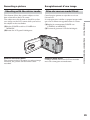
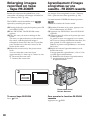
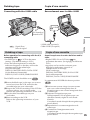
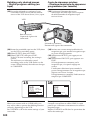
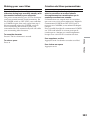
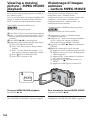
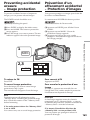
The POWER switch should be set to
.
Operate by touching the panel.
Le commutateur POWER doit être en position
.
Utilisez les touches de l’écran tactile.
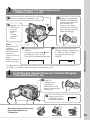
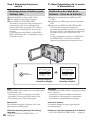
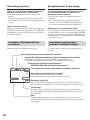
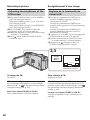
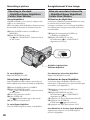
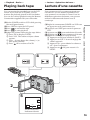
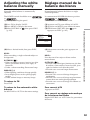
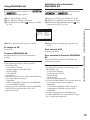
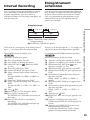
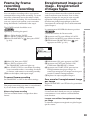
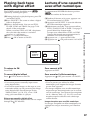
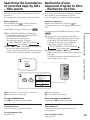
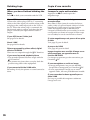
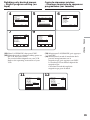
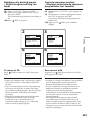
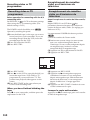
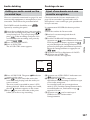
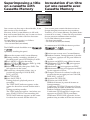
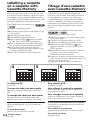
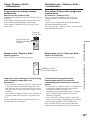
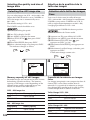
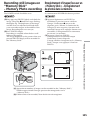
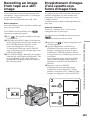
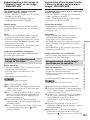
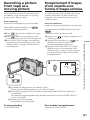
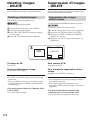
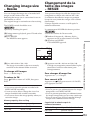
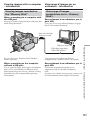
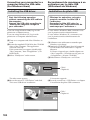
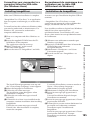
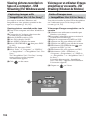
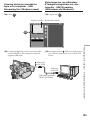
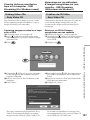
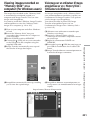
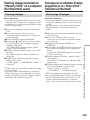
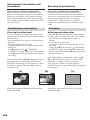
(1) Press FN to display PAGE1.
(2) Press MENU to display the menu.
(3) Select SLIDE SHOW in
, then press EXEC
(p. 219).
(1) Appuyez sur FN pour afficher la PAGE1.
(2) Appuyez sur MENU pour afficher le menu.
(3) Sélectionnez SLIDE SHOW dans
, puis
appuyez sur EXEC (p. 229).
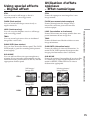
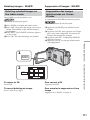
EXIT
MEM SET 2
SLIDE SHOW RETURN
INT. R –STL
ALL FILES
DELETE ALL FOLDER 101
FORMAT
r
R
EXEC
RET.
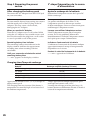
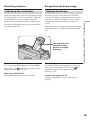
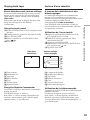
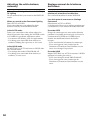
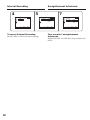
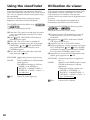
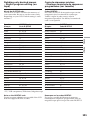
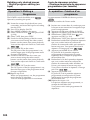
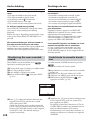
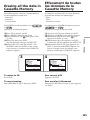
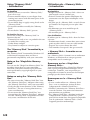
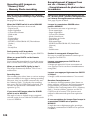
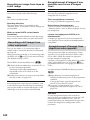
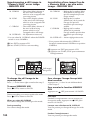
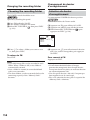
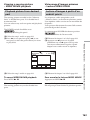
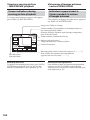
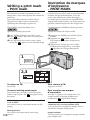
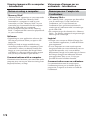
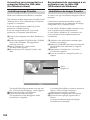
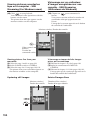
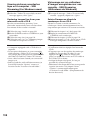
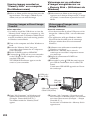
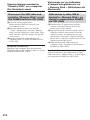
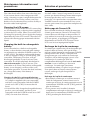
(4) Select ALL FILES or FOLDER sss*, then
press EXEC.
ALL FILES:
To play back all of the
images in the “Memory
Stick”
FOLDER sss*: To play back the images in
the folder selected with PB
FOLDR
* The folder name is displayed in the sss.
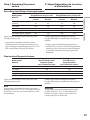
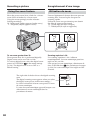
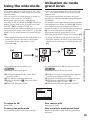
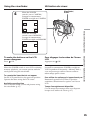
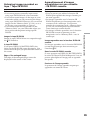
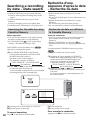
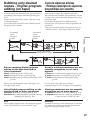
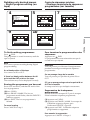
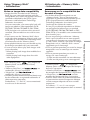
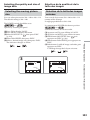
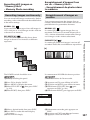
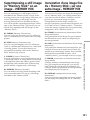
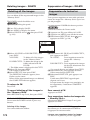
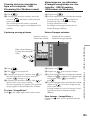
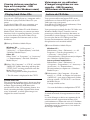
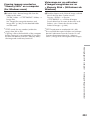
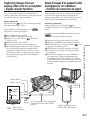
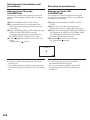
(5) Press START. Your camcorder plays back the
images recorded on the “Memory Stick” in
sequence. When all images are played back,
slide show automatically stops.
(4) Sélectionnez ALL FILES ou FOLDER sss*,
puis appuyez sur EXEC.
ALL FILES :
Pour revoir toutes les
images du « Memory
Stick »
FOLDER sss* : Pour revoir les images du
dossier sélectionné avec PB
FOLDR
* Le nom du dossier est indiqué dans sss.
(5) Appuyez sur START. Les images enregistrées
sur le « Memory Stick » sont reproduites dans
l’ordre. Lorsque toutes les images ont été
affichées, le diaporama s’arrête de lui-même.
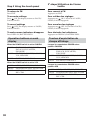
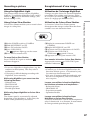
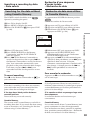
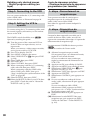
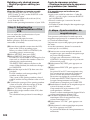
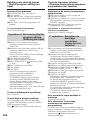
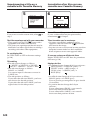
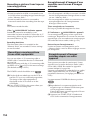
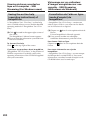
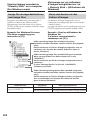
To cancel slide show
Pour annuler le diaporama
Press
Appuyez sur
END.
END.
To pause slide show
Pour suspendre le diaporama
Press PAUSE.
Appuyez sur PAUSE.
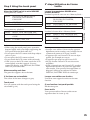
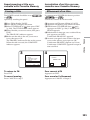
To return to FN
Pour revenir à FN
Press
EXIT.
Appuyez sur
END pour revenir à la PAGE1,
puis appuyez sur EXIT.
END to return to PAGE1, then press
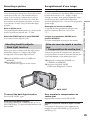
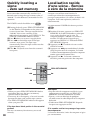
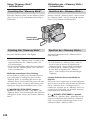
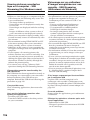
To start slide show from a particular
image
Pour commencer le diaporama par
une image particulière
Select a desired image using –/+ buttons before
step 5.
Sélectionnez l’image souhaitée avec les touches
–/+ avant l’étape 5.
168