1
Using the IAQ Probe Software
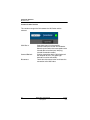
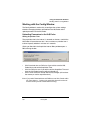
Working with the Config Window
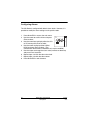
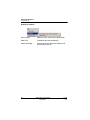
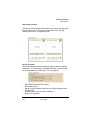
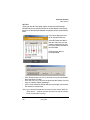
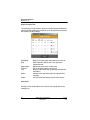
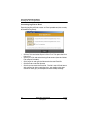
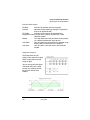
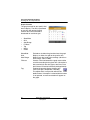
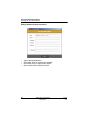
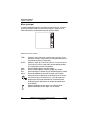
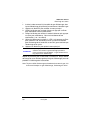
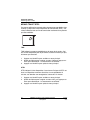
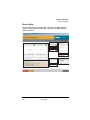
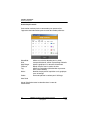
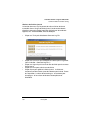
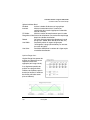
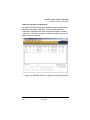
The Acquisition file viewer allows users to view unconverted data
directly from the IAQ Probe software. Note that it is only possible to
view one type of acquisition data at a time.
•
•
•
•
•
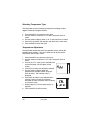
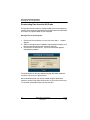
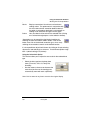
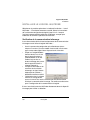
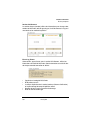
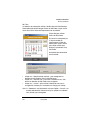
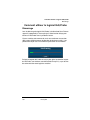
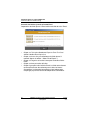
Click on Tools and select Acquisition File Viewer. The viewer
window opens.
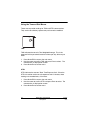
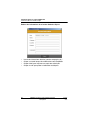
Click on Current loaded file to select the desired acquisition file.
Click on Open File to load the file data for the selected log file.
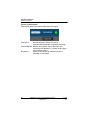
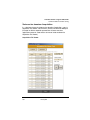
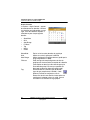
Click on Acquisition to select acquisition type to display (CO, CO2,
Temperature or Humidity)
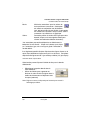
Click on Jump to index to view a specific entry number or use the
arrows in Browse file to scroll up or down through all the entries.
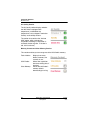
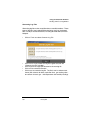
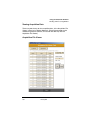
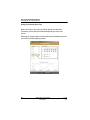
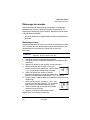
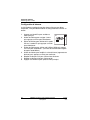
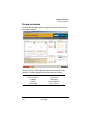
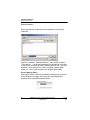
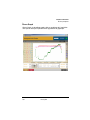
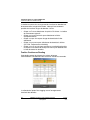
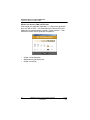
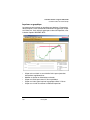
Continuous Reading Window
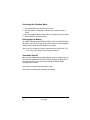
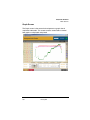
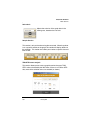
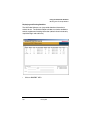
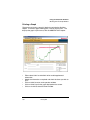
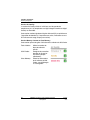
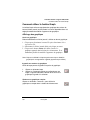
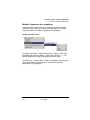
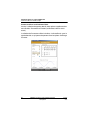
This window enables you to view continuous readings that are
refreshed every second.
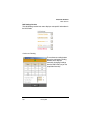
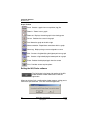
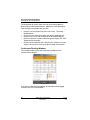
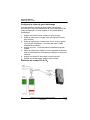
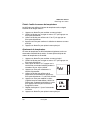
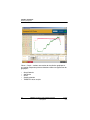
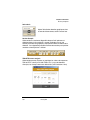
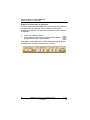
If you click to select the Data logging, all information will be logged
(saved to your PC) simultaneously.
56
IAQ Probe User Manual
Honeywell
511403
2/07