1
Getting Started
.
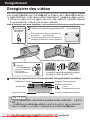
Recording
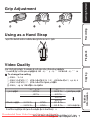
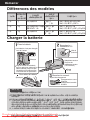
Grip Adjustment
Using as a Hand Strap
.
Playback
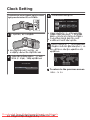
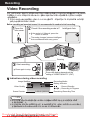
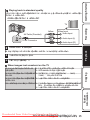
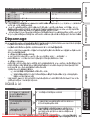
Adjust the length of the belt and loop it around your wrist.
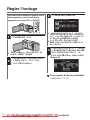
Video Quality
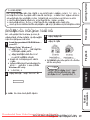
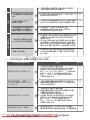
This unit can perform recording in both high and standard definition.
By default, it is set to high definition (LS)(GZ-HM30/GZ-HM50) or (XP)(GZ-HM430).
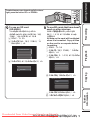
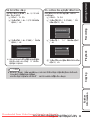
Press MENU.
Press UP/< or DOWN/> to select “VIDEO QUALITY” and press OK/INFO.
Press UP/< or DOWN/> to select the video quality.
Press OK/INFO. (Setting complete)
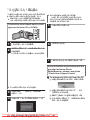
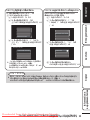
GZ-HM30/GZ-HM50
LS (16:9)
LE (16:9)
High Definition
Standard Definition
SSW (16:9)
SEW (16:9)
SS (4:3)
SE (4:3)
GZ-HM430
UXP (16:9)
XP (16:9)
SP (16:9)
EP (16:9)
SSW (16:9)
SEW (16:9)
Higher video quality
.
More recording time
* For the approximate video recording time, refer to p. 22.
Downloaded From VideoCamera-Manual.com
For more information,Manuals
refer to the Detailed User Guide
http://manual.jvc.co.jp/index.html/
7
Further
Information
A
B
C
D
Copying
o To change the setting