1
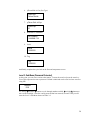
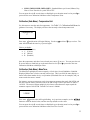
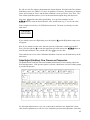
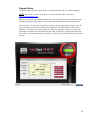
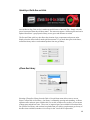
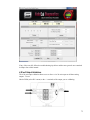
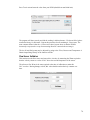
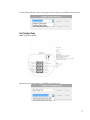
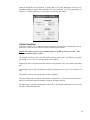
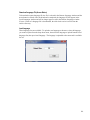
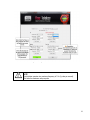
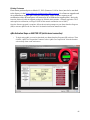
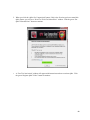
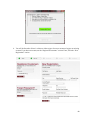
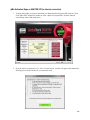
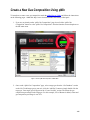
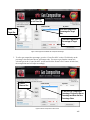
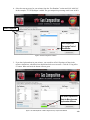
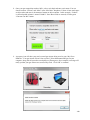
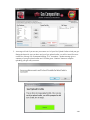
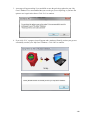
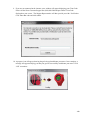
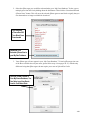
6. A progress icon will appear showing the gas being uploaded onto your meter. Once complete, a
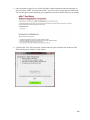
message will appear notifying you that your gas was successfully loaded onto your meter. Click
“OK” to continue.
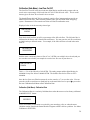
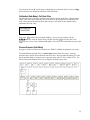
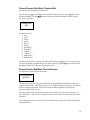
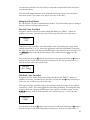
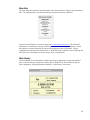
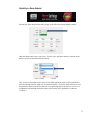
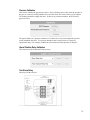
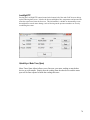
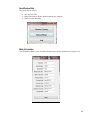
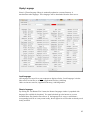
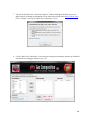
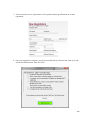
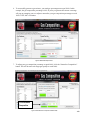
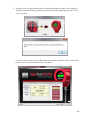
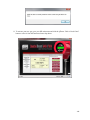
7. To activate your new gas, go to your SIP main menu and click the qTherm “Dial-A-Gas & Units”
button or select it from the function selector drop down.
115