1
ATV
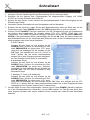
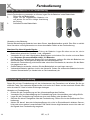
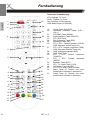
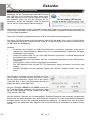
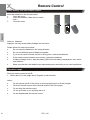
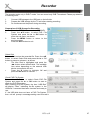
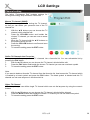
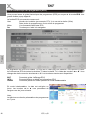
If you want to uses the analogue TV Tuner (Cat TV), than you need to change the source into TV.
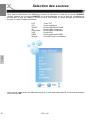
Press the SOURCE button and navigate to TV with the ▲/▼ button. Confirm the selection ATV by
pressing the OK button.
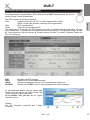
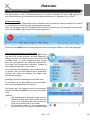
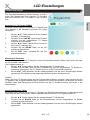
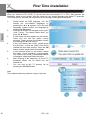
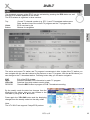
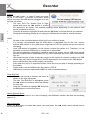
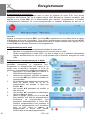
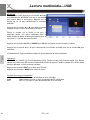
Channel List
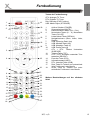
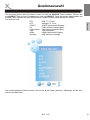
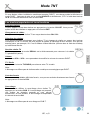
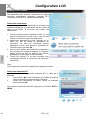
Press the CH.LIST button on the remote control and you gets the provided and receives
TV broadcast stations. By using the ▲/▼ buttons you can select the TV station, which
you like. To disappear thee channel list, press the OK button.
English
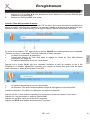
Change TV channel
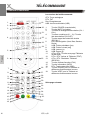
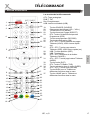
To change to TV channel you can press the CH– or CH+ button.
Select TV Channel
You have also quick access to the different TV channels by using the numeric buttons.
Last TV channel
Press the RECALL button to go back to the last TV channel.
Change the Volume
By pressing the VOL– or VOL+ buttons you can adjust the volume of the speaker.
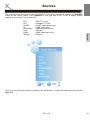
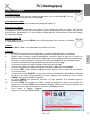
Tele- / Videotext
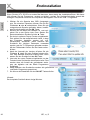
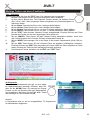
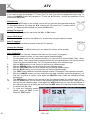
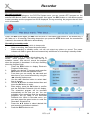
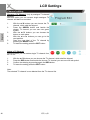
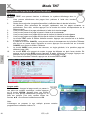
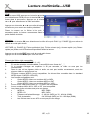
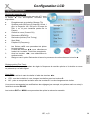
Press TEXT button to view the videotext information of the current TV program.
1.
With the numeric buttons you can select special videotext pages.
2.
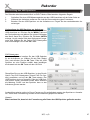
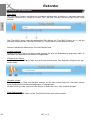
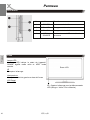
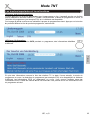
On the bottom side of the videotext window you can find four colored fields (Red, Yellow,
Green, Blue). The colored fields corresponds with the colored buttons on the remote control.
Press one of the colored button, the TV set goes directly to this videotext page.
3.
With the RED button you can choose to the previous videotext page.
4.
With the GREEN button you can choose the next videotext page.
5.
With the YELLOW button you can choose the pre-defined videotext page.
6.
With the BLUE button you can choose the pre-defined videotext page.
7.
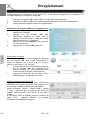
The TEXT button hidden the opened videotext window. Press again, than opens the window.
8.
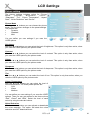
With the CANCEL button you can switch the activated Videotext window transparency, so
that the live picture is visible. Press again the CANCEL button, than the Videotext window
switches off.
9.
The INDEX button makes a quick access to the first videotext page (for example page 100).
10.
With the SIZE button you can zoom in the videotext window on full screen size. Than you can
see the first half videotext page. Press again the SIZE button and you can the second part of
the videotext page. By pressing the third time the SIZE button the videotext window changes
to normal size and view.
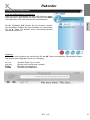
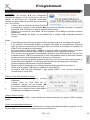
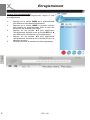
11.
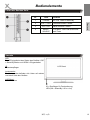
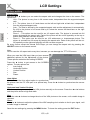
To close the Videotext window
please press the EXIT or two
times the TEXT button.
26
HTL 2231D