1
LCD Settings
Channel setting
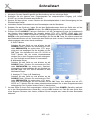
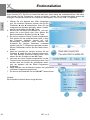
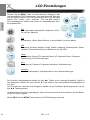
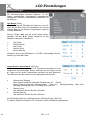
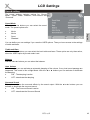
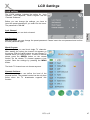
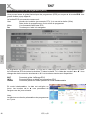
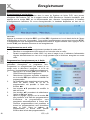
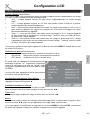
The option “Programme Edit” includes settings for
Moving and sorting, Skip and define Favourites.
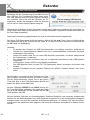
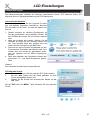
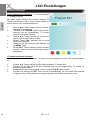
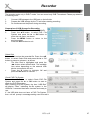
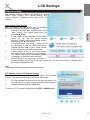
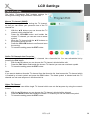
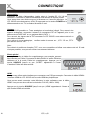
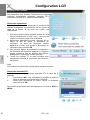
Move a TV channel (SWAP)
This option is responsible for sorting the TV channel,
so that you can define your personal view of the TV
channel list.
1.
3.
4.
5.
English
2.
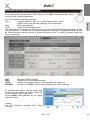
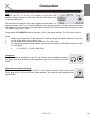
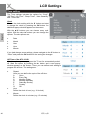
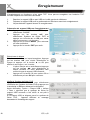
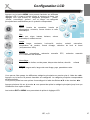
With the ▲/▼ buttons you can choose the TV
channel, which shall be edit.
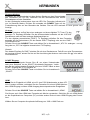
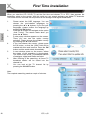
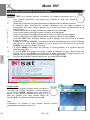
Press the YELLOW button and beside the
chosen TV channel you can see now an arrow
symbol.
Move the TV channel with the ▲/▼ buttons on
the position which you like.
Press the YELLOW button to confirm and save
the moving.
To leave the setting press the EXIT button.
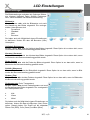
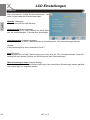
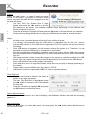
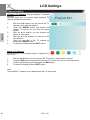
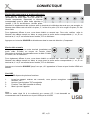
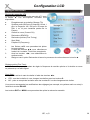
Define TV Channels into Favourites
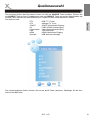
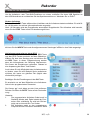
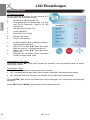
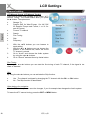
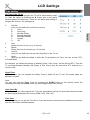
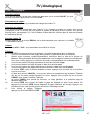
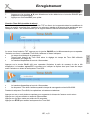
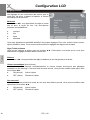
Here you can define your preferred TV channels into a favourite list. You can activatethe list by
pressing the FAV button.
1.
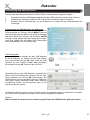
With the ▲/▼ buttons you can choose the TV channel, which shall be edit.
2.
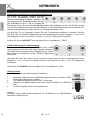
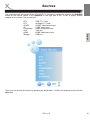
Press the FAV button and beside the chosen TV channel you can see now heart symbol.
3.
To leave the setting press the EXIT button.
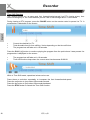
Note:
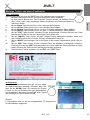
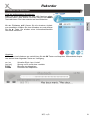
If you want to delete a favourite TV channel from the favourite list, than browse the TV channel which
is marked by a heart symbol and press the FAV button. The heart symbol is deleted and this TV
channel can not seen anymore in the favourite list.
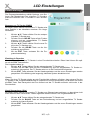
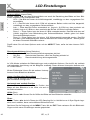
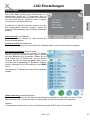
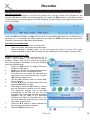
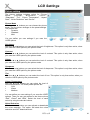
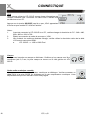
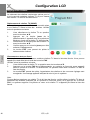
Skip a TV Channel
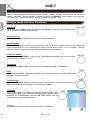
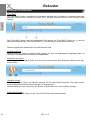
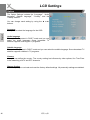
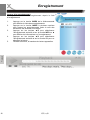
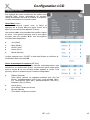
With this option you can define single TV channel which can not dial anymore by using the numeric
buttons.
1.
2.
3.
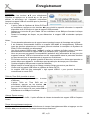
With the ▲/▼ buttons you can choose the TV channel, which shall be skipped.
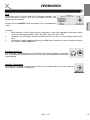
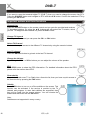
Press the BLUE button and beside the chosen TV channel you can see now blue symbol.
To leave the setting press the EXIT button.
HTL 2231D
39