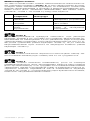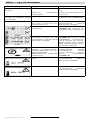
1
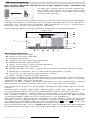
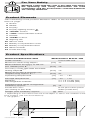
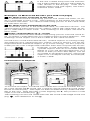
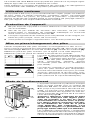
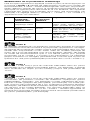
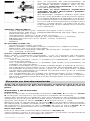
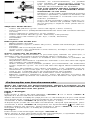
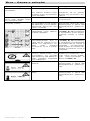
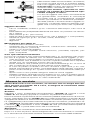
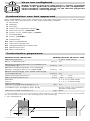
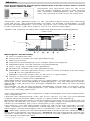
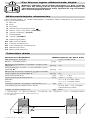
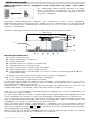
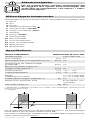
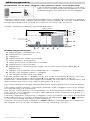
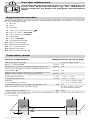
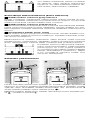
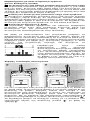
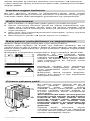
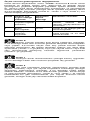
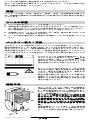
The unit method of operation ensures reliable detection of only those objects running transverse to unit movement direction.
Therefore, always move crossways
over the area to be checked.
Objects that are considerably larger than
the unit can also be indicated with parallel
movements.
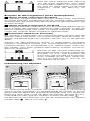
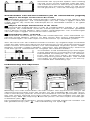
If several objects are located one over the
other in the wall, the object is indicated in
the display that is nearest to the surface.
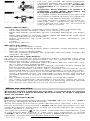
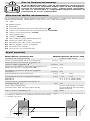
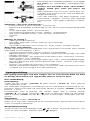
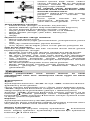
Detectable objects:
– Plastic pipes (e.g. water pipes, empty pipes)
– Electrical wiring (independent of whether carrying voltage or not)
– Three phase mains wiring (e.g. to the stove)
– Extra-low voltage wiring (e.g. telephone, door bell)
– Metal of all types (e.g. steel, copper, aluminium)
– Hollow space
– Wood
Measurements possible in:
– Concrete/reinforced concrete
– Masonry blocks (brick, porous concrete, foam concrete, pumice
concrete)
– Light construction walls
– as well as under surfaces such as stucco, tiles, wallpaper, parquet,
carpet
Special Measuring Cases
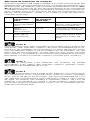
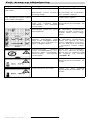
Under unfavourable conditions, the unit cannot detect certain objects
as a result of the principle involved, for example:
– Empty plastic pipes and wood in hollow spaces and light construction walls
– Metal surfaces and damp surfaces with high water content cannot
be penetrated.
– Damp areas in a wall can possibly be indicated as an object (e.g.
for high water content).
– For walls made up of several layers, e.g. with wall covering, possibly only the first boundary layer (e.g. hollow space behind the wall
covering) is indicated.
– Hollow spaces in a wall are indicated as objects.
– Large cylindrical objects (e.g. plastic or water pipes) can appear in
the display smaller than they actually are.
Putting into Operation
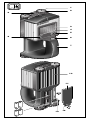
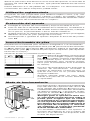
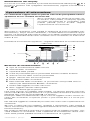
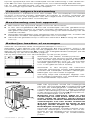
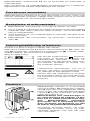
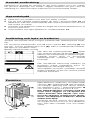
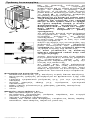
Before using the unit, ensure that the sensor area 10 is not
moist. Wipe the unit dry with a cloth as necessary.
Switching On/Off
Switching on:
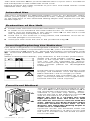
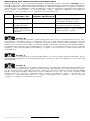
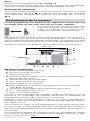
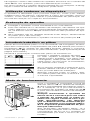
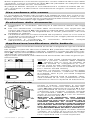
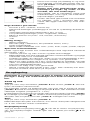
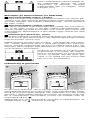
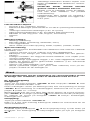
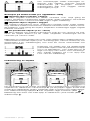
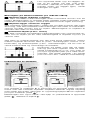
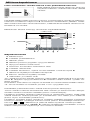
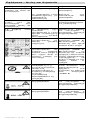
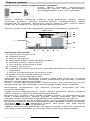
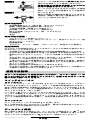
Press the “on/off” button 5 or the “start” button 6. The illuminated
start display appears.
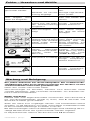
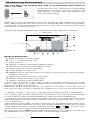
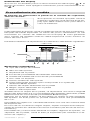
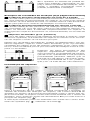
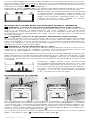
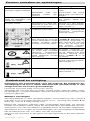
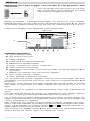
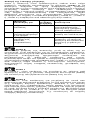
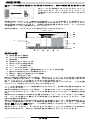
Before beginning the measurement (see Measurement Procedure), an
explanation of the functional method of the unit can be called up in the
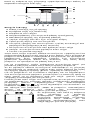
display 3 by pressing the “mode” button 8 (duration approx.1 min).
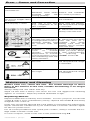
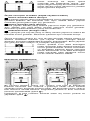
The explanation can be restarted at any time as long as the
symbol
is shown at the bottom left on the display by pressing the “mode” button 8. Pressing the “start” button 6 stops the explanation and measuring can start.
Switching off:
Press the “on/off” button 5.
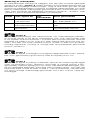
After approx. 5 min without performing a measurement, the unit
switches off automatically to save the batteries.
Display Lighting
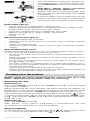
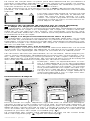
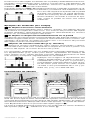
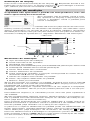
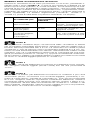
In the dark, press the display lighting button
4. The display is then
lit. To switch off the lighting, press the
button 4 again.
1 609 929 C66 • (02.07) T
English–3