1
Using the cordless handset
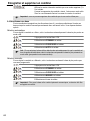
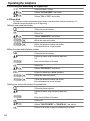
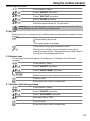
Handset ring tone volume
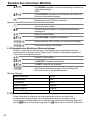
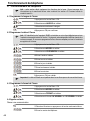
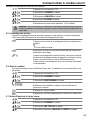
1 Press the Menu / OK key.
2 Select "HANDSET" and confirm.
3 Select "RING TONE" and confirm.
4 Select "VOLUME" and confirm.
5 Select the required volume (Off, 1-5) and confirm.
Important: You can switch the ring tone volume of any individual handset ON or OFF by
simply holding the ring tone ON/OFF key in standby mode.
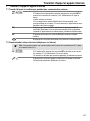
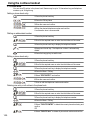
5.9 Key lock
When the key lock is on, pressing any key in standby mode has no effect (with the exception of the key
lock key).
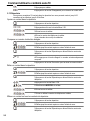
1 Press and hold the key lock key.
The symbol appears in the display.
2 Press the key lock key again to deactivate key lock.
When key lock is activated, you can still answer incoming calls by
pressing the answer call key . The keypad functions as usual during the
call. Key lock is activated again after the call.
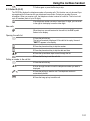
5.10 Handset name
You can change the name that appears in the display (max. 12 characters) if no call is being
conducted.
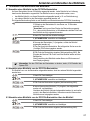
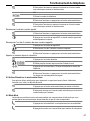
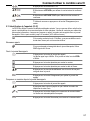
1 Press the Menu / OK key.
2 Select "HANDSET" and confirm.
3 Select "HANDSET NAME" and confirm.
4 Delete the previous name using the mute key and enter a new one.
5 Press to confirm.
6 Press the Esc key to return to standby mode.
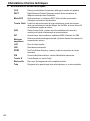
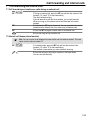
5.11 Activate / deactivate keypad beep
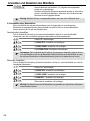
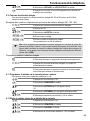
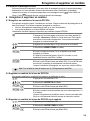
1 Press the Menu / OK key.
2 Select "HANDSET" and confirm.
3 Select "KEYPAD BEEP" and confirm.
4 Now select "ON“ or "OFF“.
5 Press to confirm.
6 Press the Esc key to return to standby mode.
119