1
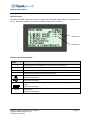
Operator’s Manual Main Menu
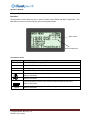
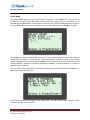
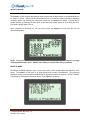
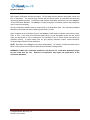
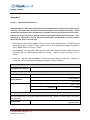
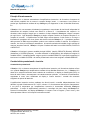
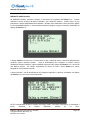
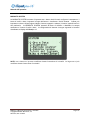
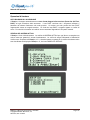
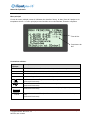
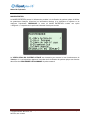
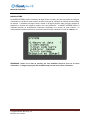
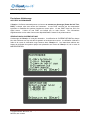
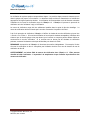
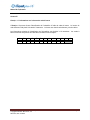
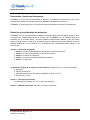
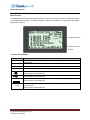
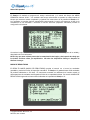
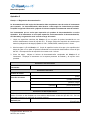
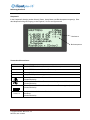
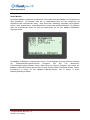
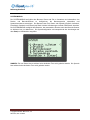
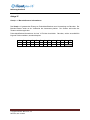
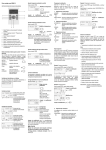
The Main Menu screen allows the user to view Time Date, Assay Status and Block Temperature. The
Main Menu is used to access the Results, Service and System Modes.
Block Status Block Temperature
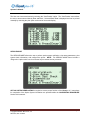
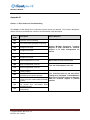
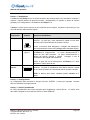
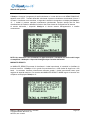
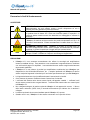
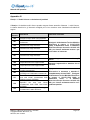
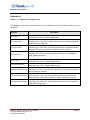
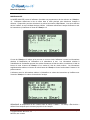
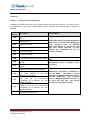
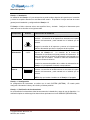
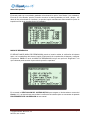
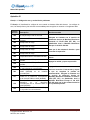
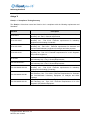
Conventions Used:
Graphic
**:**
--:--
Description
BLOCK STATUS: Warming up; Block not at temperature
BLOCK STATUS: Idle; Block at Temperature
!!!
Warning, Instrument Requires Attention
…
Assay Menu Expansion Indicator
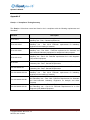
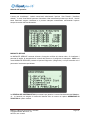
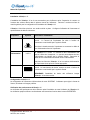
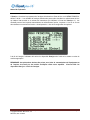
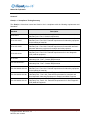
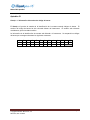
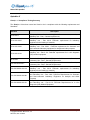
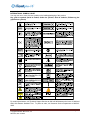
Printer: Connect Printer to unit at this port.
(Back of instrument)
USB Port: Connect unit to external computer at this port.
(Back of instrument)
PS/2
12V [email protected]
External Keyboard: Connect unit to external keyboard (optional) at this port.
(Back of instrument)
illumipro-10 Power Supply: Connect Power Supply to unit at this port.
(Back of instrument)
illumipro-10 Operator’s Manual: ENGLISH
Copyright© Meridian Bioscience, Inc.
SN11007, REV. 07/2010
Page 8