1
Troubleshooting
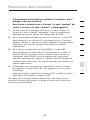
3.
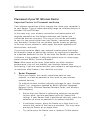
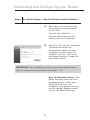
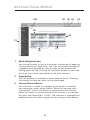
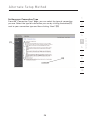
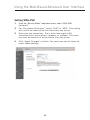
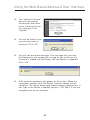
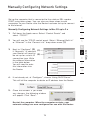
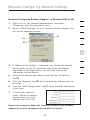
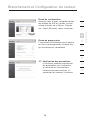
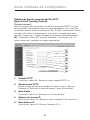
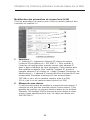
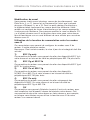
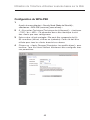
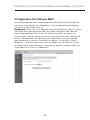
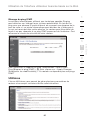
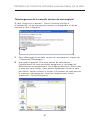
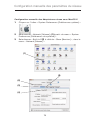
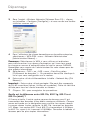
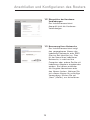
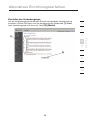
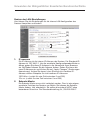
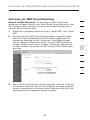
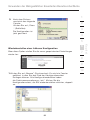
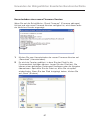
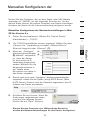
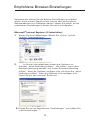
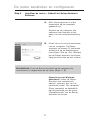
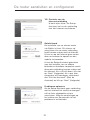
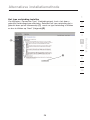
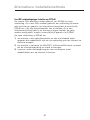
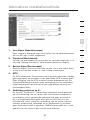
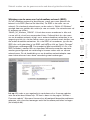
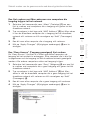
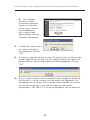
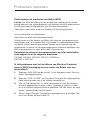
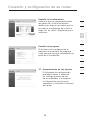
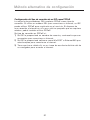
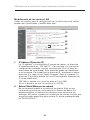
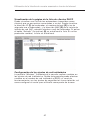
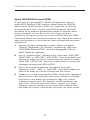
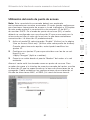
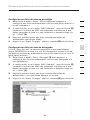
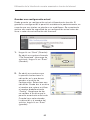
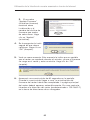
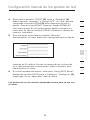
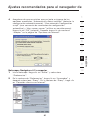
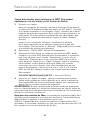
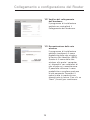
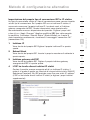
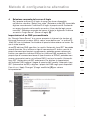
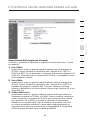
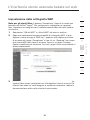
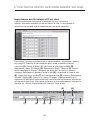
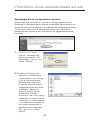
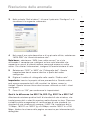
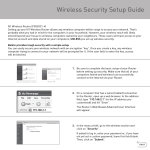
Under the “Wireless Networks” tab, click the “Configure” button
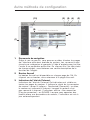
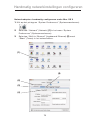
and you will see the following screen.
1
2
3
4
5
6
7
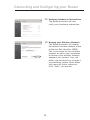
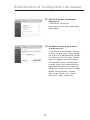
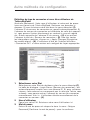
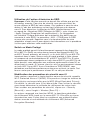
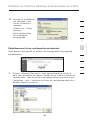
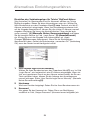
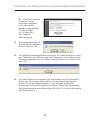
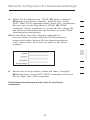
4.
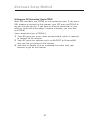
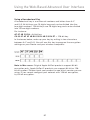
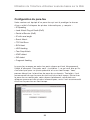
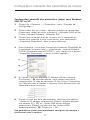
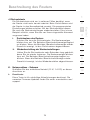
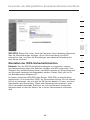
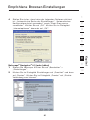
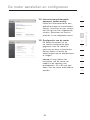
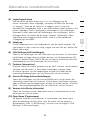
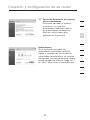
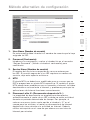
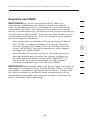
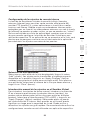
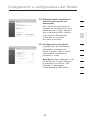
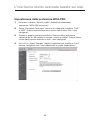
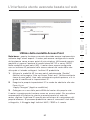
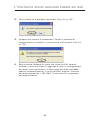
For a home or small business user, select “WPA-PSK” under
“Network Administration”.
connect to a corporate network that supports an authentication server
such as a radius server. Please consult your network administrator for
further information.
5.
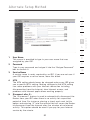
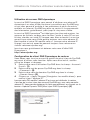
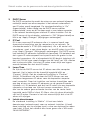
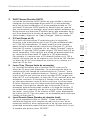
Select “TKIP” or “AES” under “Date Encryption”. This setting will
have to be identical to the Router that you set up.
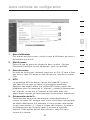
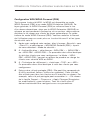
6.
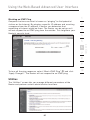
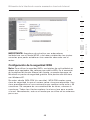
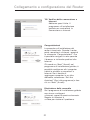
Type in your encryption key in the “Network key” box.
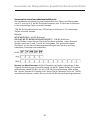
Important: Enter your pre-shared key. This can be from eight to 63
characters and can be letters, numbers, or symbols. This same key
must be used on all of the clients that you set up.
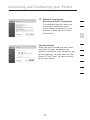
7.
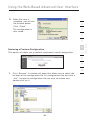
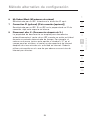
Click “OK” to apply settings.
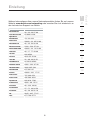
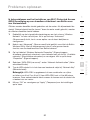
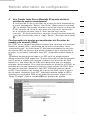
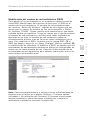
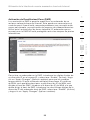
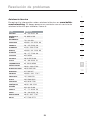
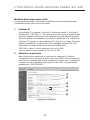
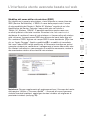
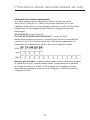
What’s the difference between 802.11b, 802.11g, 802.11a, and
draft 802.11n?
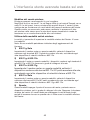
Currently there are four levels of wireless networking standards,
which transmit data at very different maximum speeds. Each is
based on the designation for certifying network standards. The
most common wireless networking standard, 802.11b, transmits
information at 11Mbps; 802.11a and 802.11g work at 54Mbps; and
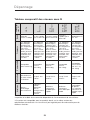
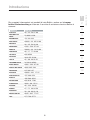
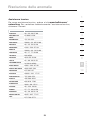
draft 802.11n works at 108Mbps. See the chart on the next page for
more detailed information.
94
9
10
section
Note: Select WPA (with radius server) if you are using this computer to
8