1
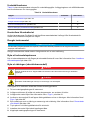
Maintenance schedule
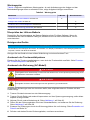
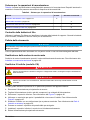
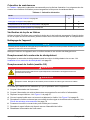
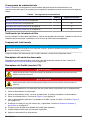
Table 4 shows the recommended schedule of maintenance tasks. Facility requirements and
operating conditions may increase the frequency of some tasks.
Table 4 Maintenance schedule
Task
6 Months
Lithium battery check on page 18
As necessary
X
Clean the instrument on page 18
X
Replace the desiccant cartridge on page 18
X
Replace the fuse (AC model) on page 18
X
Lithium battery check
Use the Flo-Ware software to identify the back-up battery life. When the lithium battery life is low,
contact customer service for replacement.
Clean the instrument
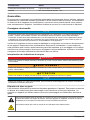
NOTICE
Never use cleaning agents such as turpentine, acetone or similar products to clean the instrument including the
display and accessories.
Clean the exterior of the instrument with a moist cloth and a mild soap solution.
Replace the desiccant cartridge
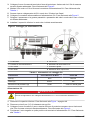
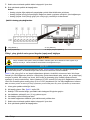
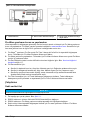
Replace the desiccant cartridge when the color of the desiccant changes to pink. Refer to Install a
desiccant cartridge on page 15.
Replace the fuse (AC model)
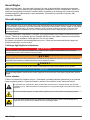
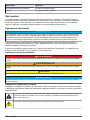
DANGER
Electrocution hazard. Always remove power to the instrument before making electrical connections.
DANGER
Fire hazard. Use the same type and current rating to replace fuses.
Failed fuses are an indication that an equipment problem could exist.
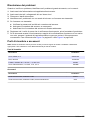
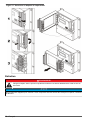
1.
2.
3.
4.
5.
Remove the main power to the instrument.
Remove power to the relay and other components, if connected to power.
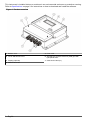
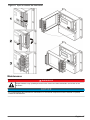
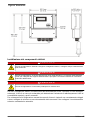
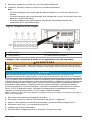
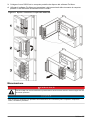
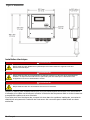
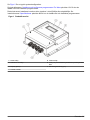
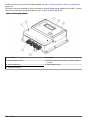
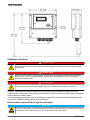
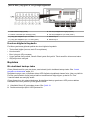
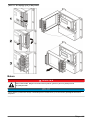
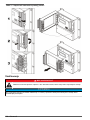
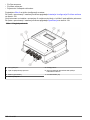
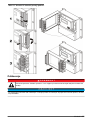
Remove the bottom cover. Refer to Figure 1 on page 6.
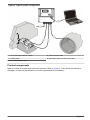
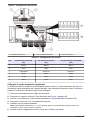
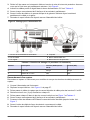
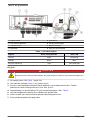
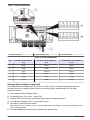
Use a screwdriver to open the fuse holder and remove the fuse. Refer to Figure 5 on page 11.
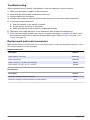
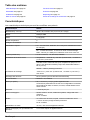
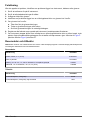
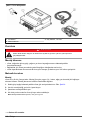
Replace the fuse with a fuse of the same type and rating. Refer to Replacement parts and
accessories on page 19.
6. Push and turn the fuse holder cover to tighten.
7. Install the bottom cover so that the enclosure is sealed.
8. Apply the main power to the instrument.
18 English